
The Startup Portal — A Guide for Startups
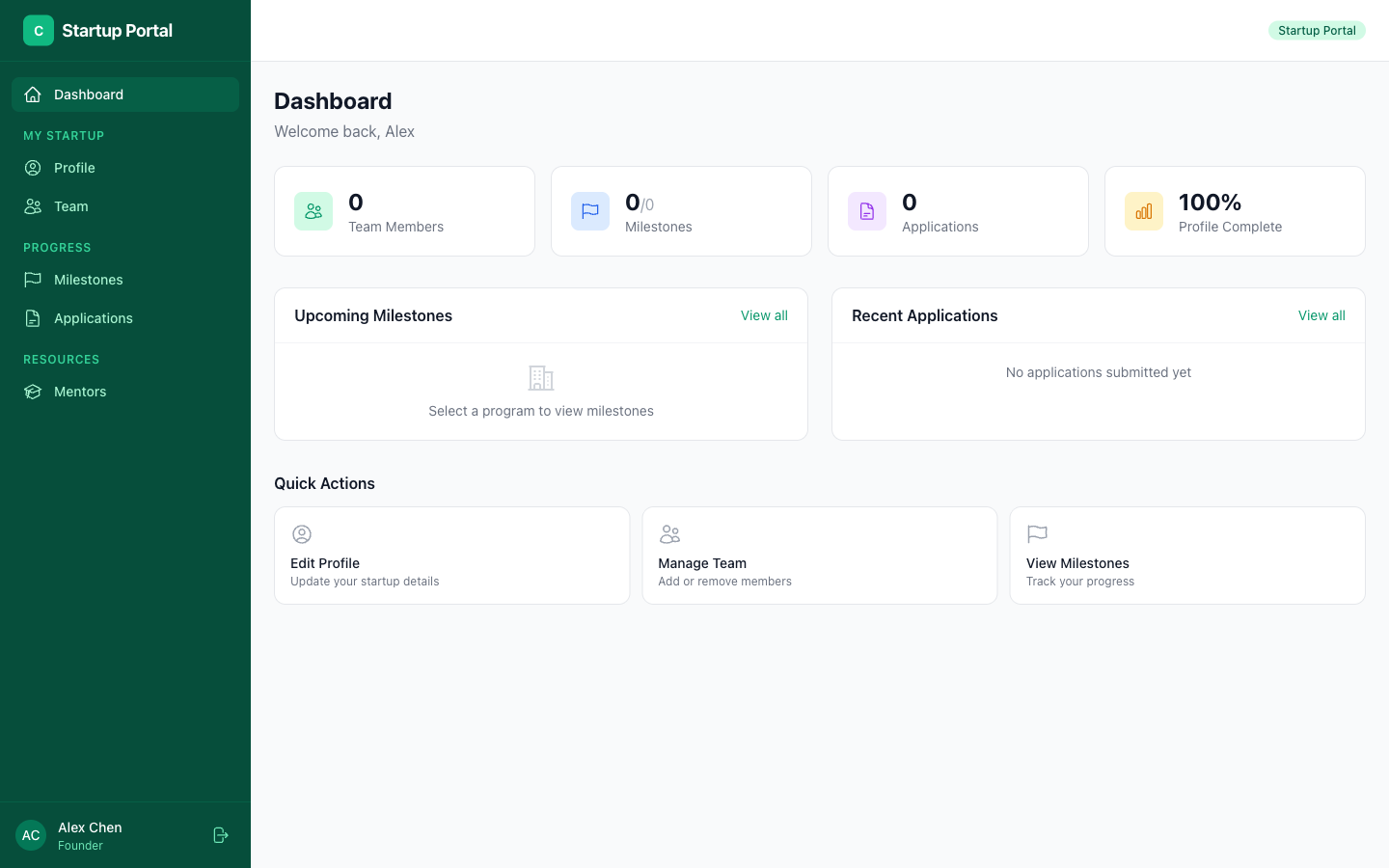
As a startup in the program, you have your own portal where you can manage your company profile, track your applications, connect with mentors, and more.
Your Dashboard
When you log in, you'll see your startup dashboard.
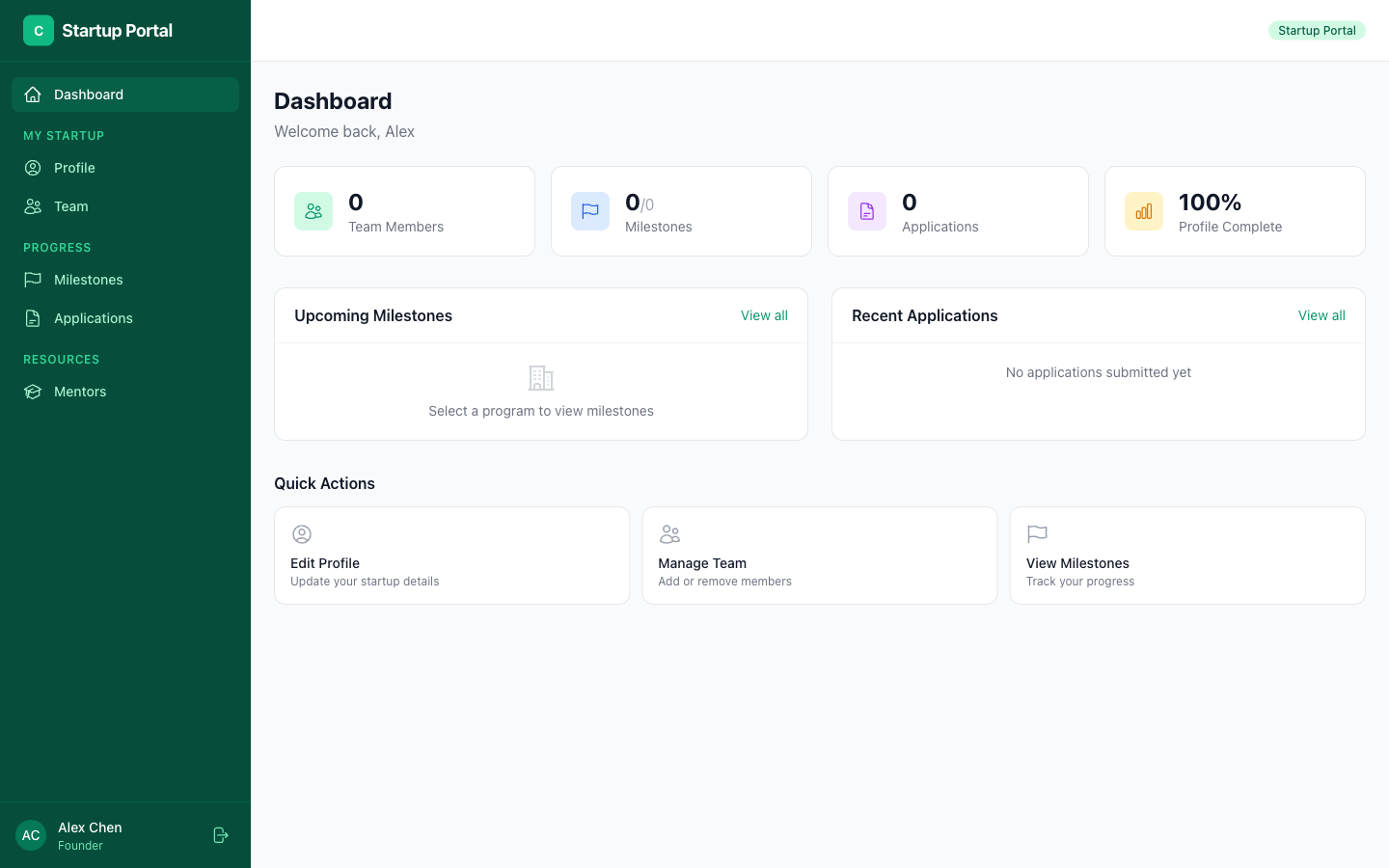
The dashboard gives you a quick overview of:
- Your program status — Which cohort you're in
- Upcoming sessions — Mentor meetings and events
- Your milestones — Progress on key goals
Company Profile
Keep your startup profile updated — this is what mentors, admins, and investors see.
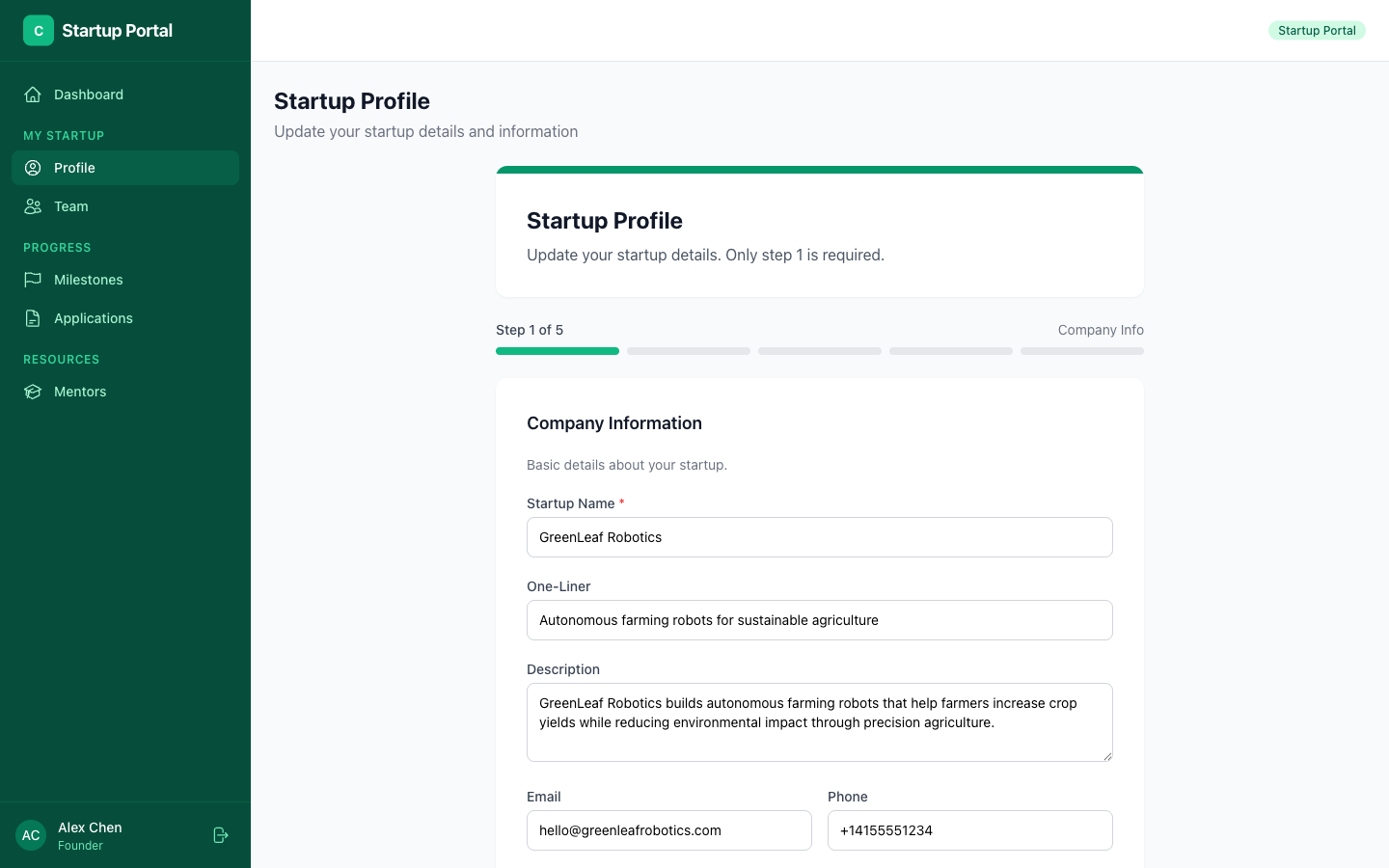
Your profile includes:
- Company name, description, and logo
- Stage — Pre-seed, Seed, Series A, etc.
- Industry and sector
- Website and social links
- Team members — Add your co-founders and team
Your Applications
View the status of any applications you've submitted.
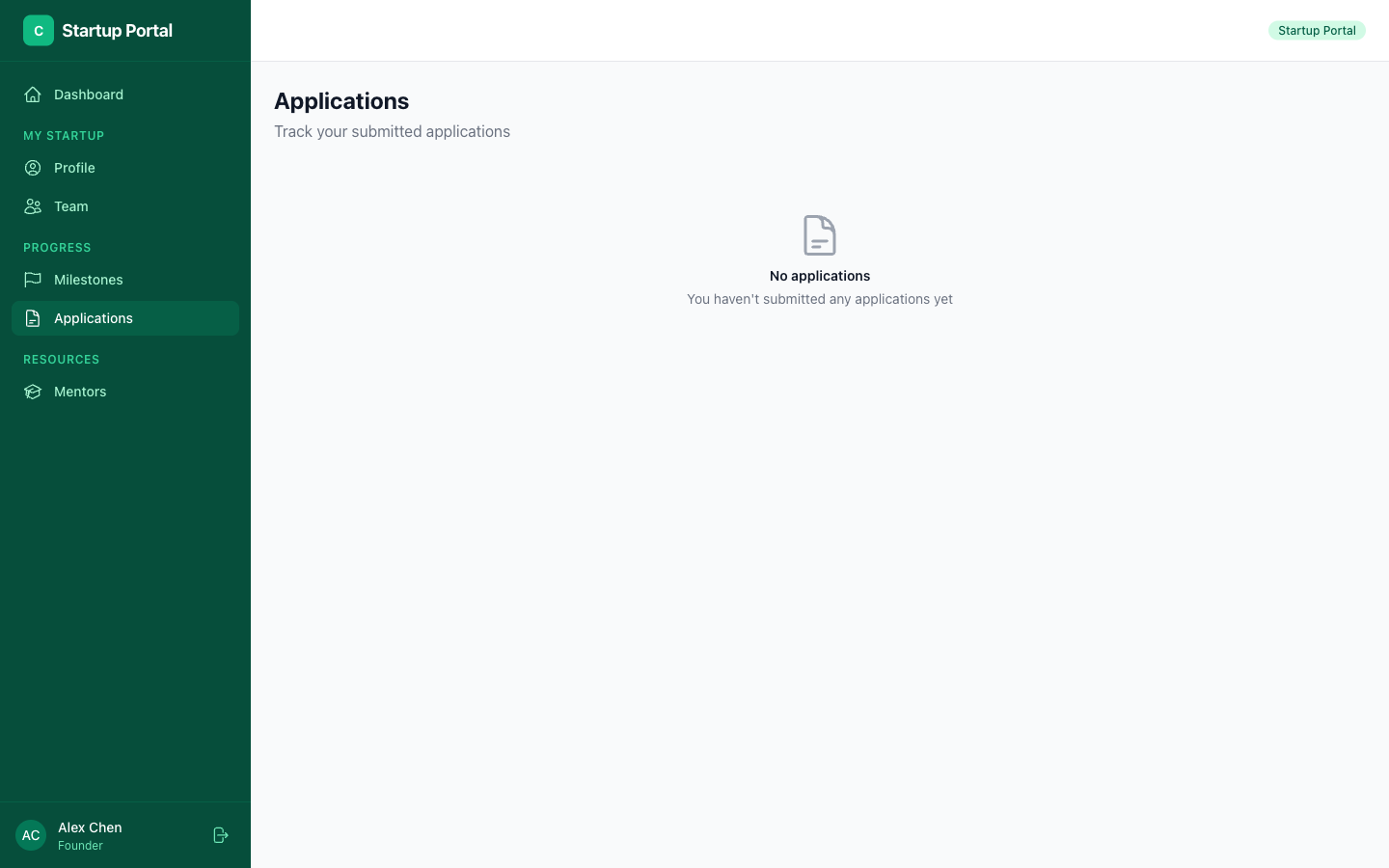
You can see:
- Which programs you've applied to
- Current status (Submitted, Under Review, Accepted, etc.)
- Submission date and details
Finding Mentors
Browse available mentors and book sessions.
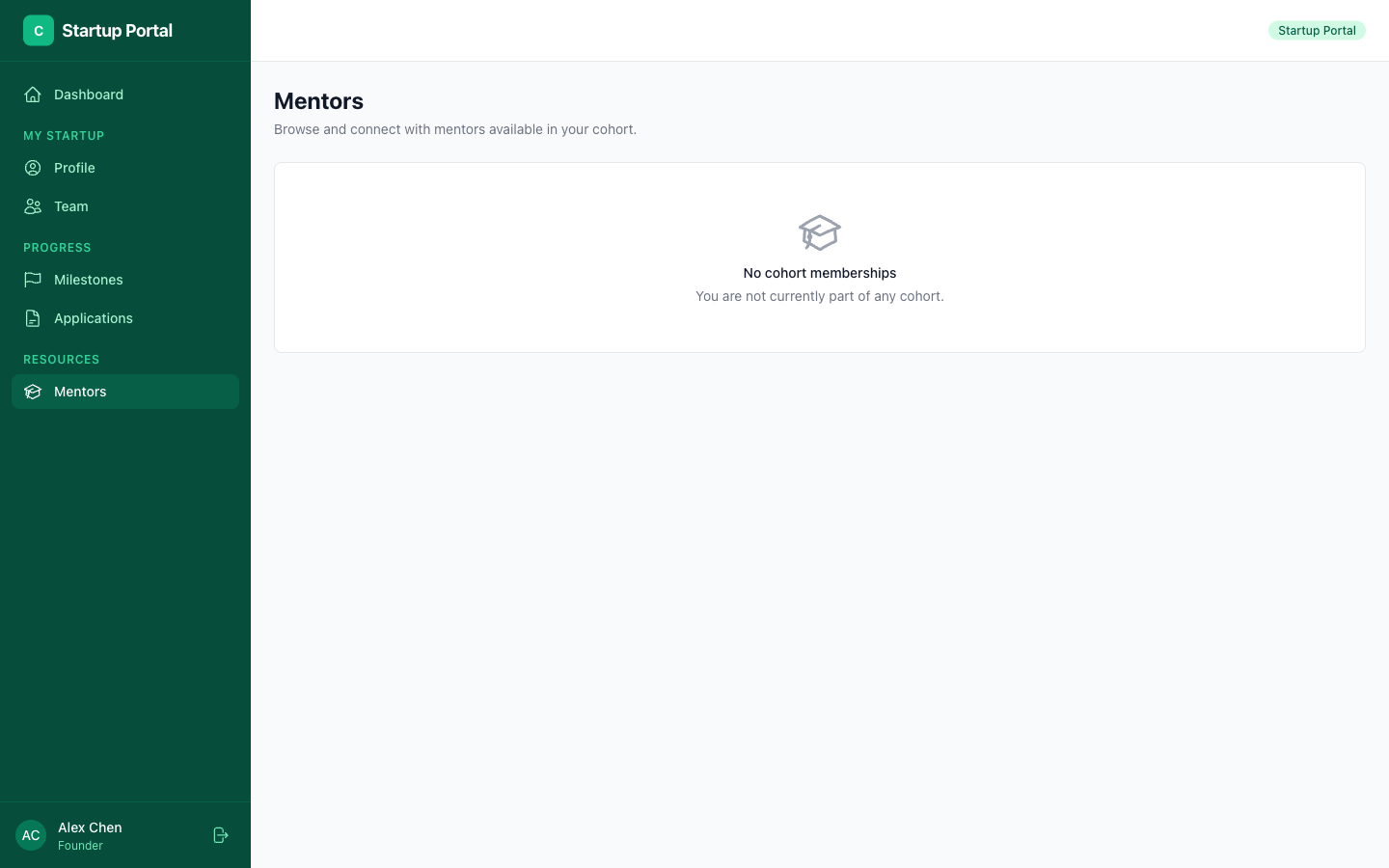
From the mentors section, you can:
- Browse mentors — Filter by expertise, availability, and cohort
- View profiles — See their bio, skills, and experience
- Book sessions — Pick an available time slot and schedule a meeting
- Save favorites — Bookmark mentors you want to connect with later