
Managing Cohorts & Batches
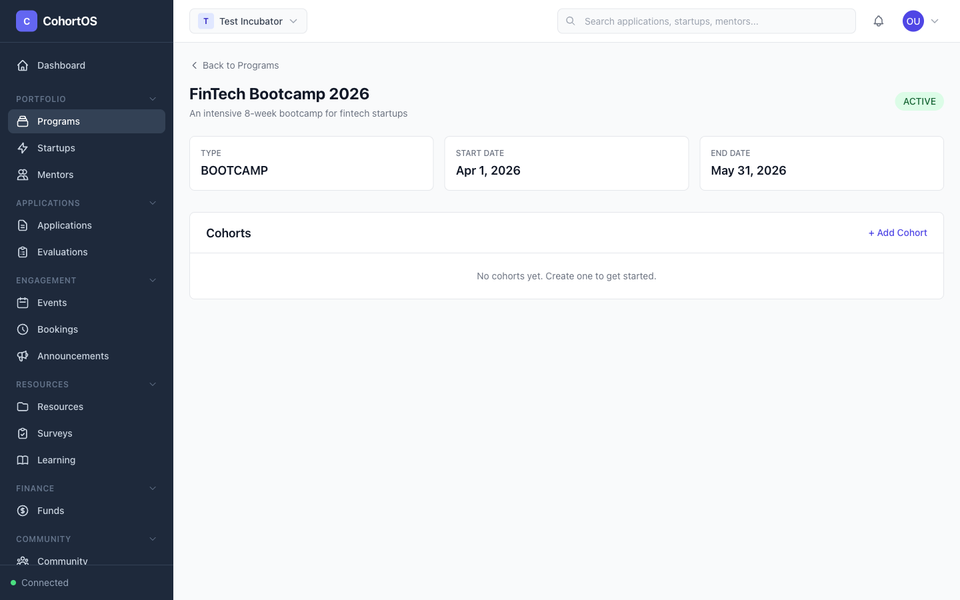
Cohorts (also called batches) are groups of startups that go through a program together. Each program can have multiple cohorts running at different times.
Viewing Cohorts
Open any program to see its cohorts listed below the program details.
Creating a Cohort
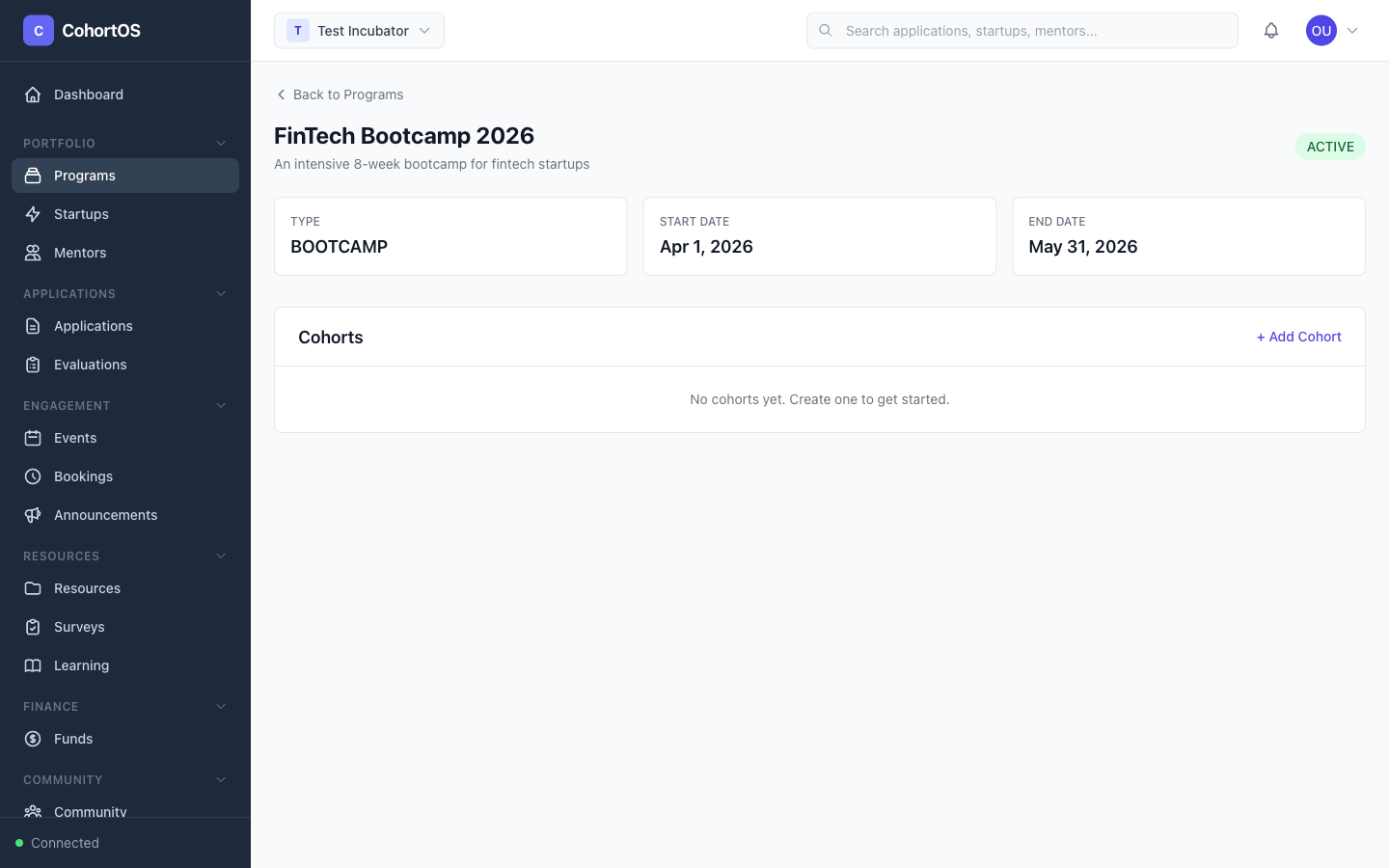
Within a program, click "+ Add Cohort" and fill in:
- Cohort name — e.g., "Batch 2026-Q1" or "Spring 2026"
- Batch number — Sequential number for this cohort
- Start and end dates — The cohort timeline
- Status — Planning, Active, or Completed
Cohort Members
A cohort contains:
- Startups — The companies going through this batch
- Mentors — Mentors assigned to support this cohort
Adding Startups to a Cohort
- Open the cohort detail page
- Click "Add Startup"
- Select from your portfolio or add a new startup
Assigning Mentors
- Open the cohort detail page
- Go to the Mentors tab
- Click "Assign Mentor" and select from your workspace mentors
Tips
- Use cohorts to organize your startups by intake period
- Accepted applications can be automatically linked to a specific cohort
- Each cohort can have different mentors assigned, allowing specialization per batch