
The Mentor Portal — A Guide for Mentors
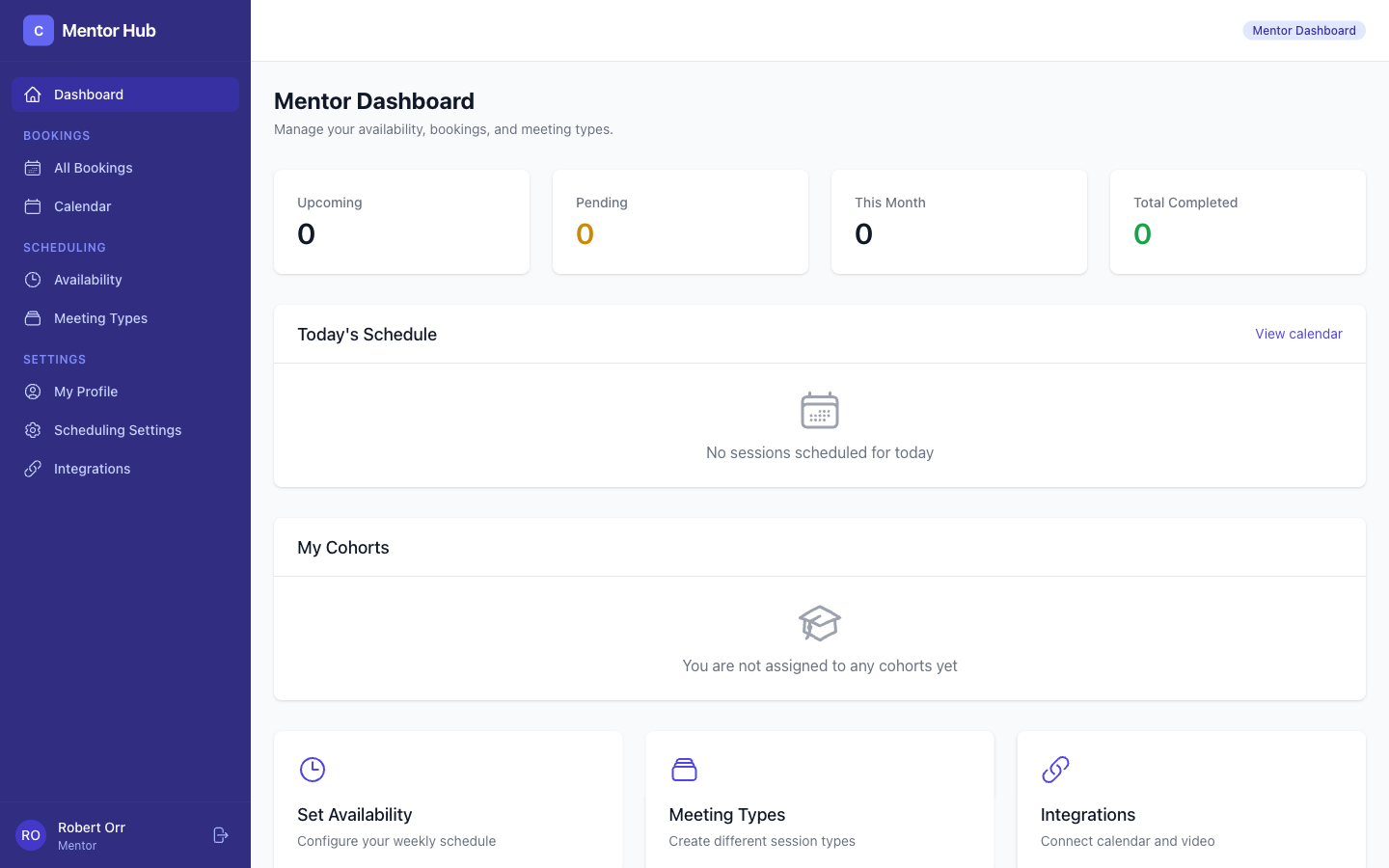
As a mentor, you have your own dedicated portal where you can manage your availability, view your sessions, and connect with startups. This guide walks you through everything.
Your Dashboard
When you log in, you'll see your mentor dashboard with an overview of your activity.
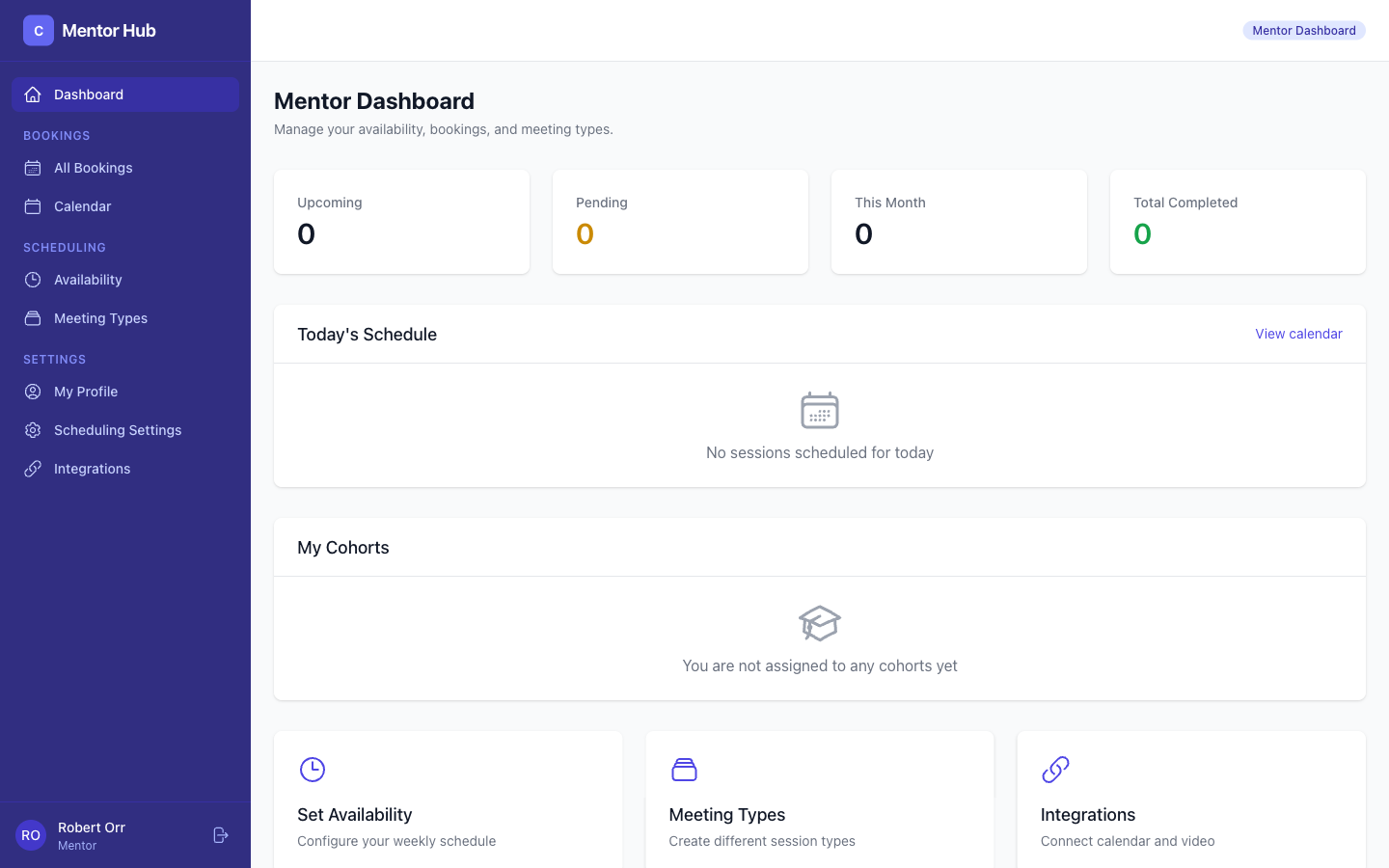
The dashboard shows:
- Upcoming sessions — Your next scheduled meetings
- Quick stats — Total bookings, hours mentored, startups helped
- Your cohorts — Which cohorts you're assigned to
Setting Your Availability
Navigate to Availability to define when you're free for sessions.
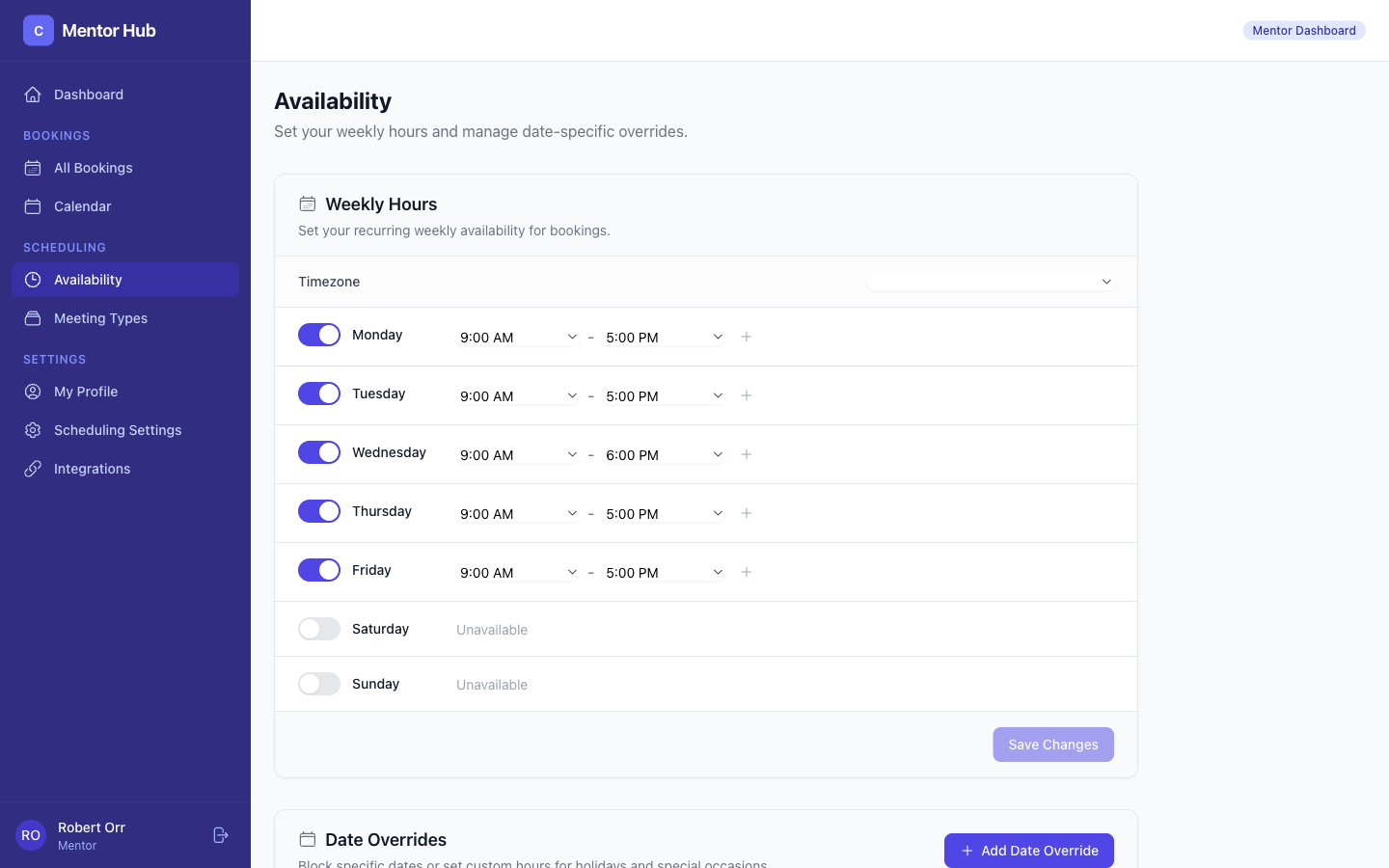
Weekly Schedule
- Select your timezone
- For each day of the week, add time slots (e.g., Monday 9:00 AM – 12:00 PM)
- Add multiple slots per day if needed
- Click Save to publish your availability
Date Overrides
Need to block off a specific date (holiday, travel)? Use date overrides to temporarily adjust your schedule without changing your weekly pattern.
Meeting Types
Define what kinds of sessions you offer.
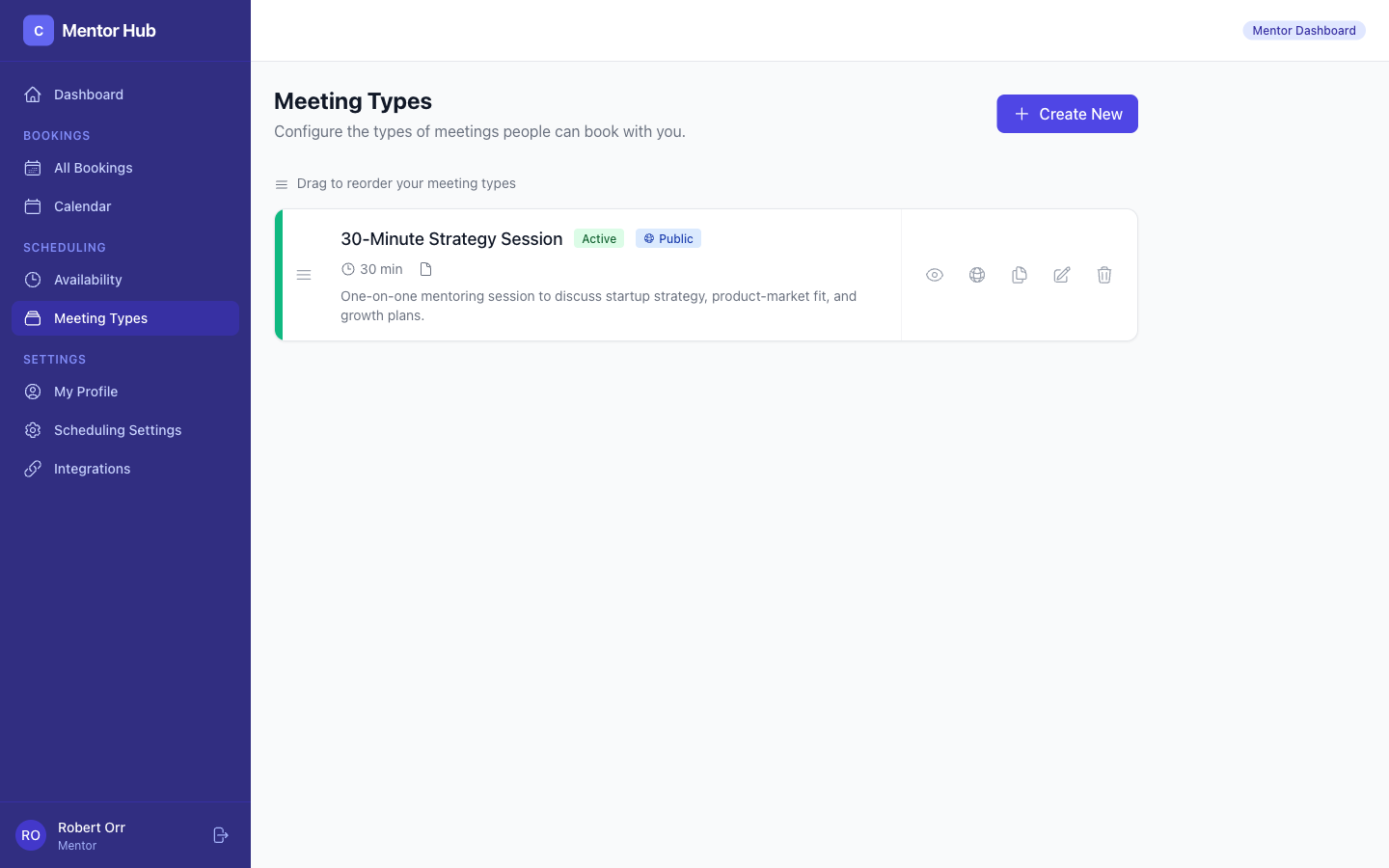
For each meeting type, you can set:
- Name — e.g., "Office Hours", "1:1 Mentoring"
- Duration — How long each session lasts
- Description — What startups can expect
- Buffer time — Gap between consecutive sessions
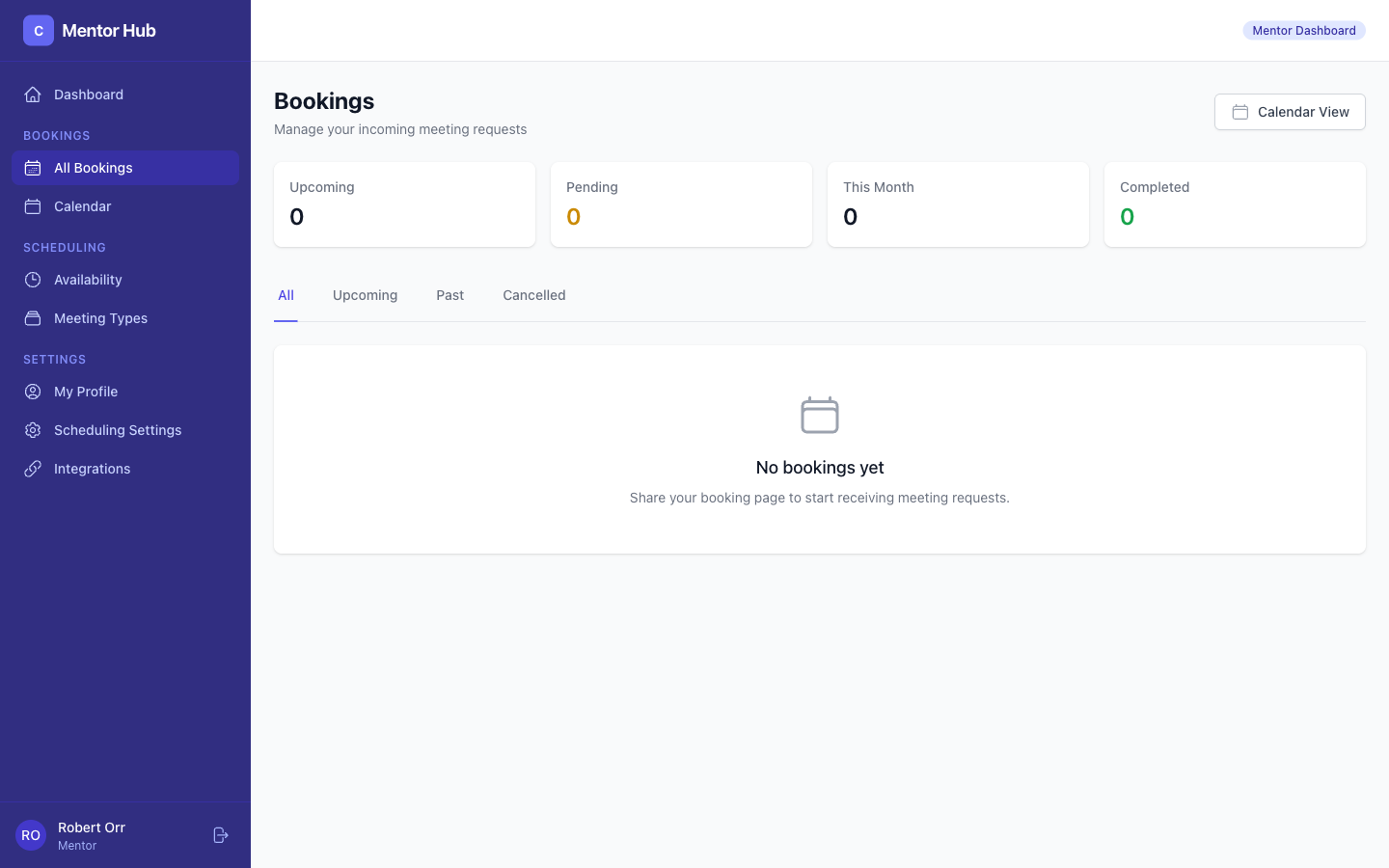
Your Bookings
View all your scheduled and past sessions.
Your Profile
Keep your mentor profile up to date so startups can find you.
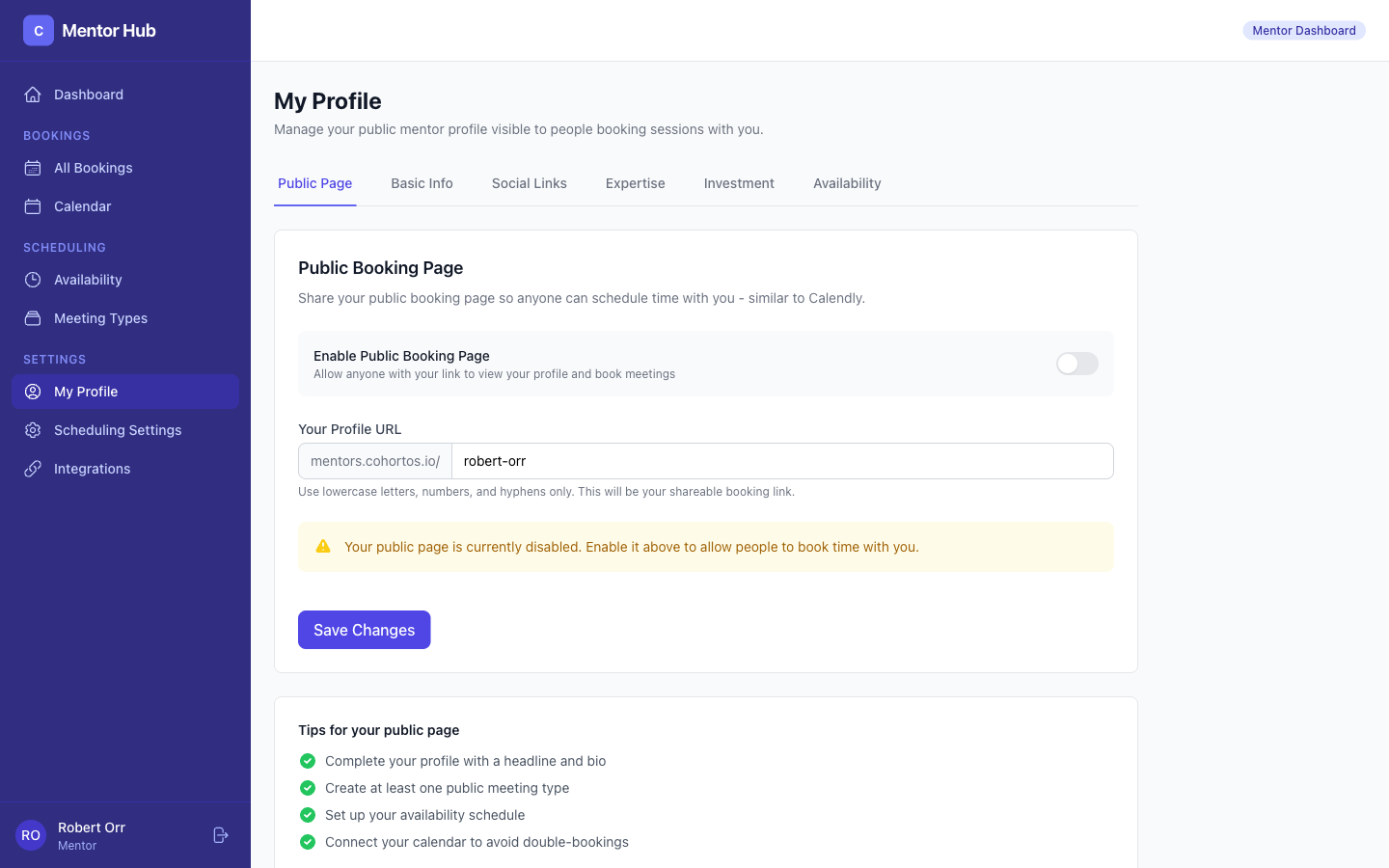
Your profile includes:
- Bio — Your background and expertise
- Skills & expertise areas — What you can help with
- LinkedIn and social links
- Profile photo