
Sharing Resources & Documents
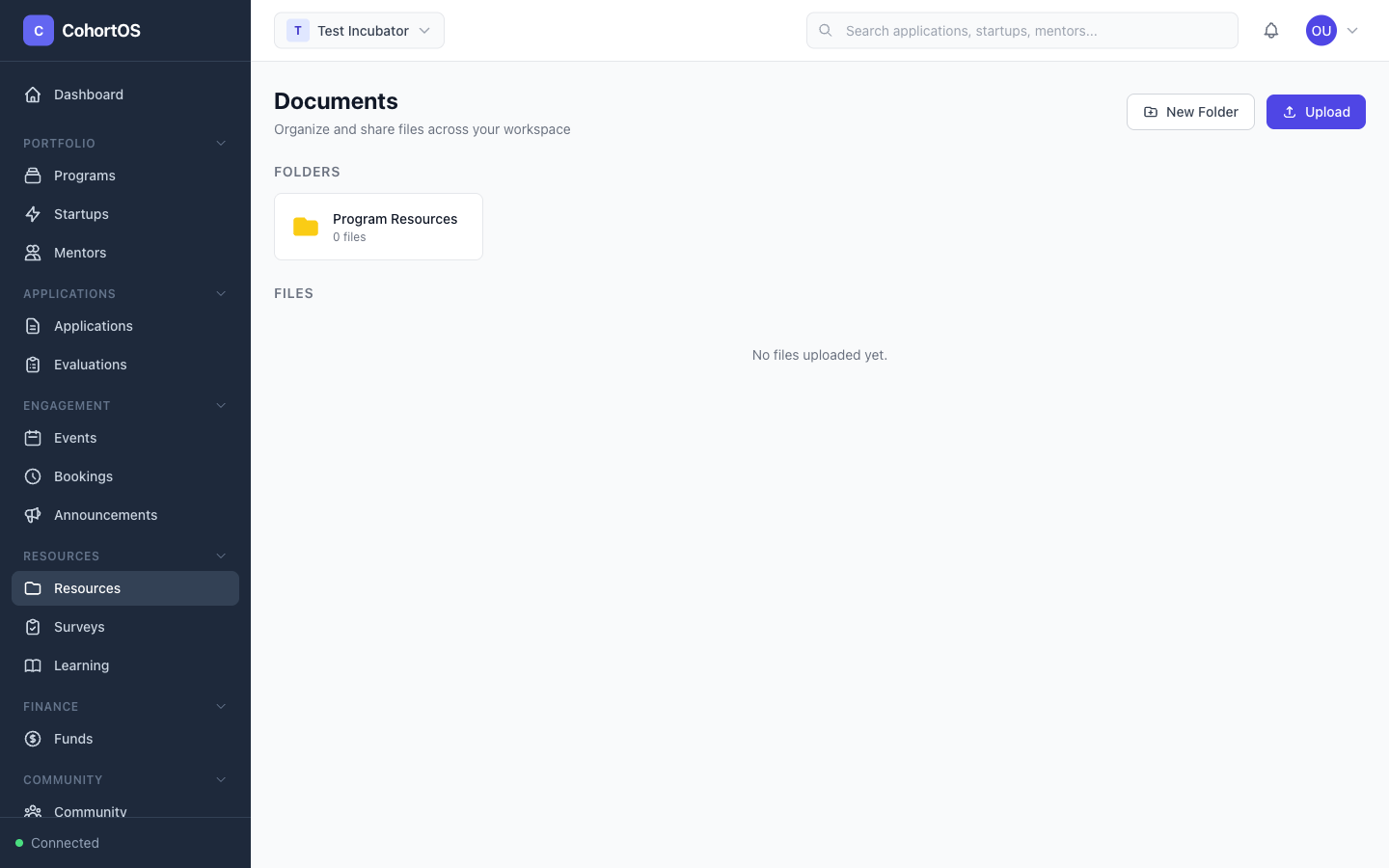
The Resources section lets you upload and organize files for your program participants — pitch templates, handbooks, guides, and more.
Resources Library
Navigate to Resources → Resources to access the file library.
Key Features
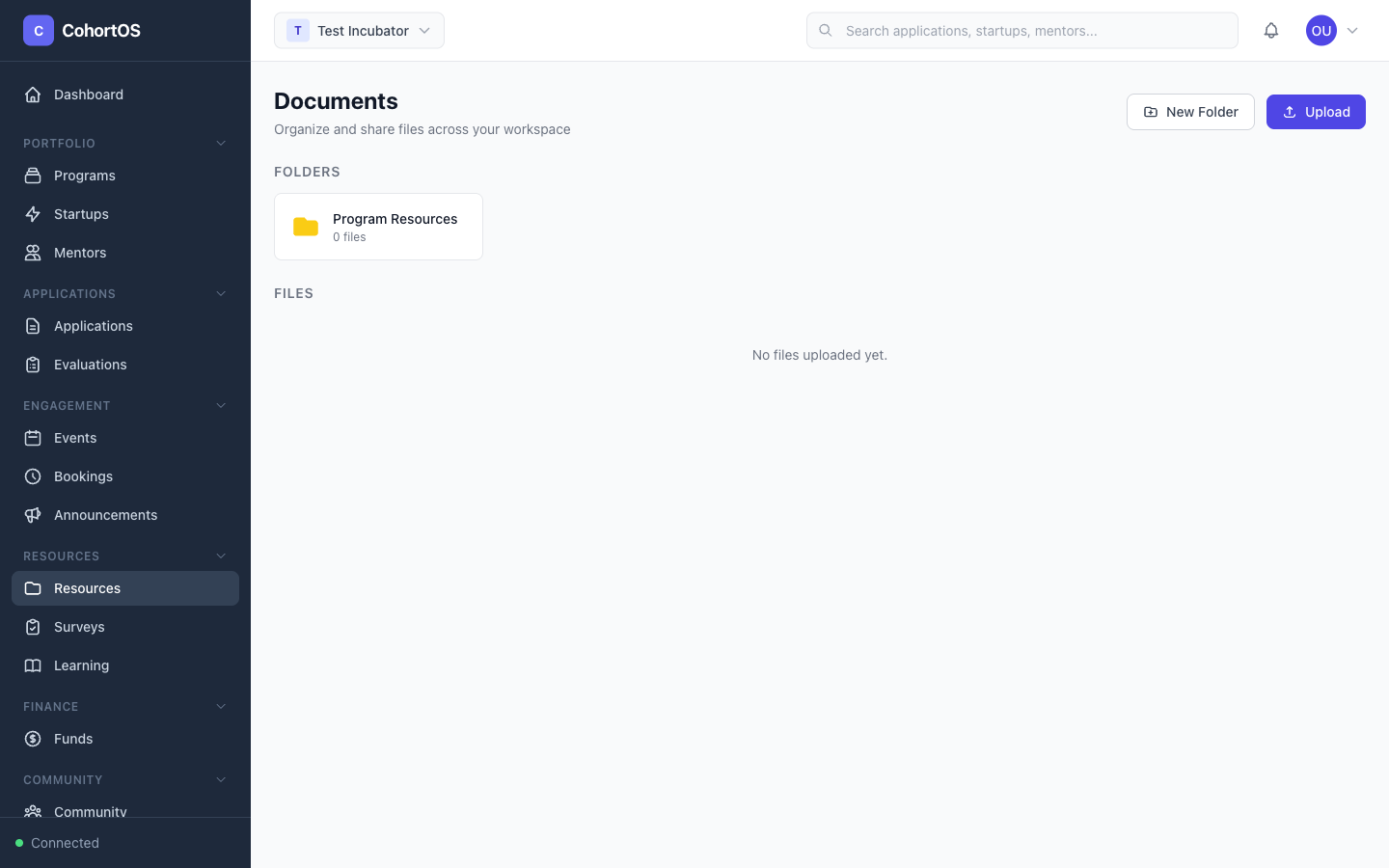
- Folders — Organize files into folders (e.g., "Program Resources", "Templates", "Legal")
- File uploads — Upload any file type — PDFs, documents, spreadsheets, images
- Descriptions — Add descriptions to help participants find what they need
- Soft delete — Accidentally deleted a file? It goes to trash first, so you can recover it
Tips
- Create a "Getting Started" folder with essential documents for new cohort participants
- Use descriptive file names so participants can find resources via search