
Workspace Settings & Team Management
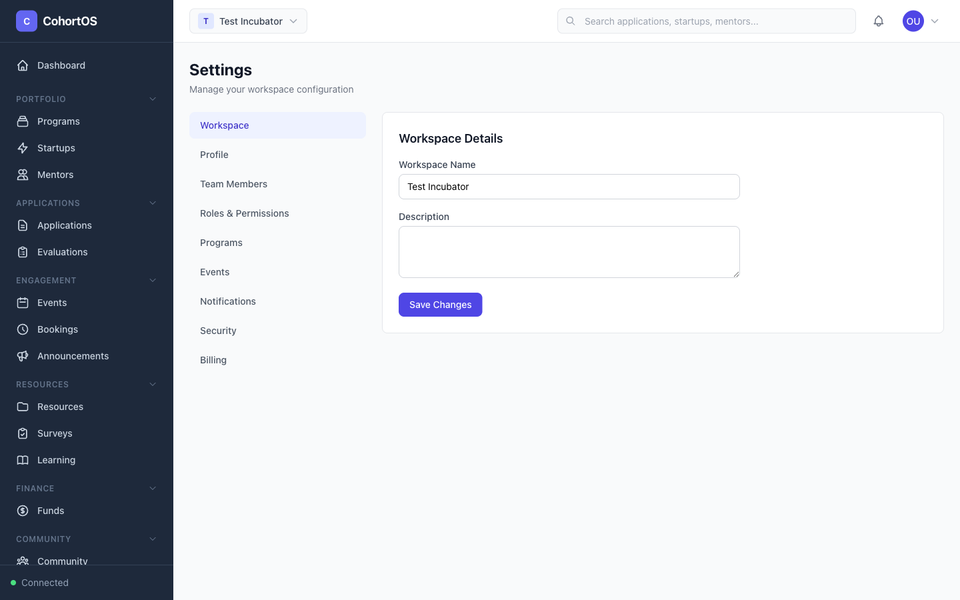
The Settings page lets you configure your workspace and manage your team.
Workspace Settings
Navigate to Account → Settings to access workspace configuration.
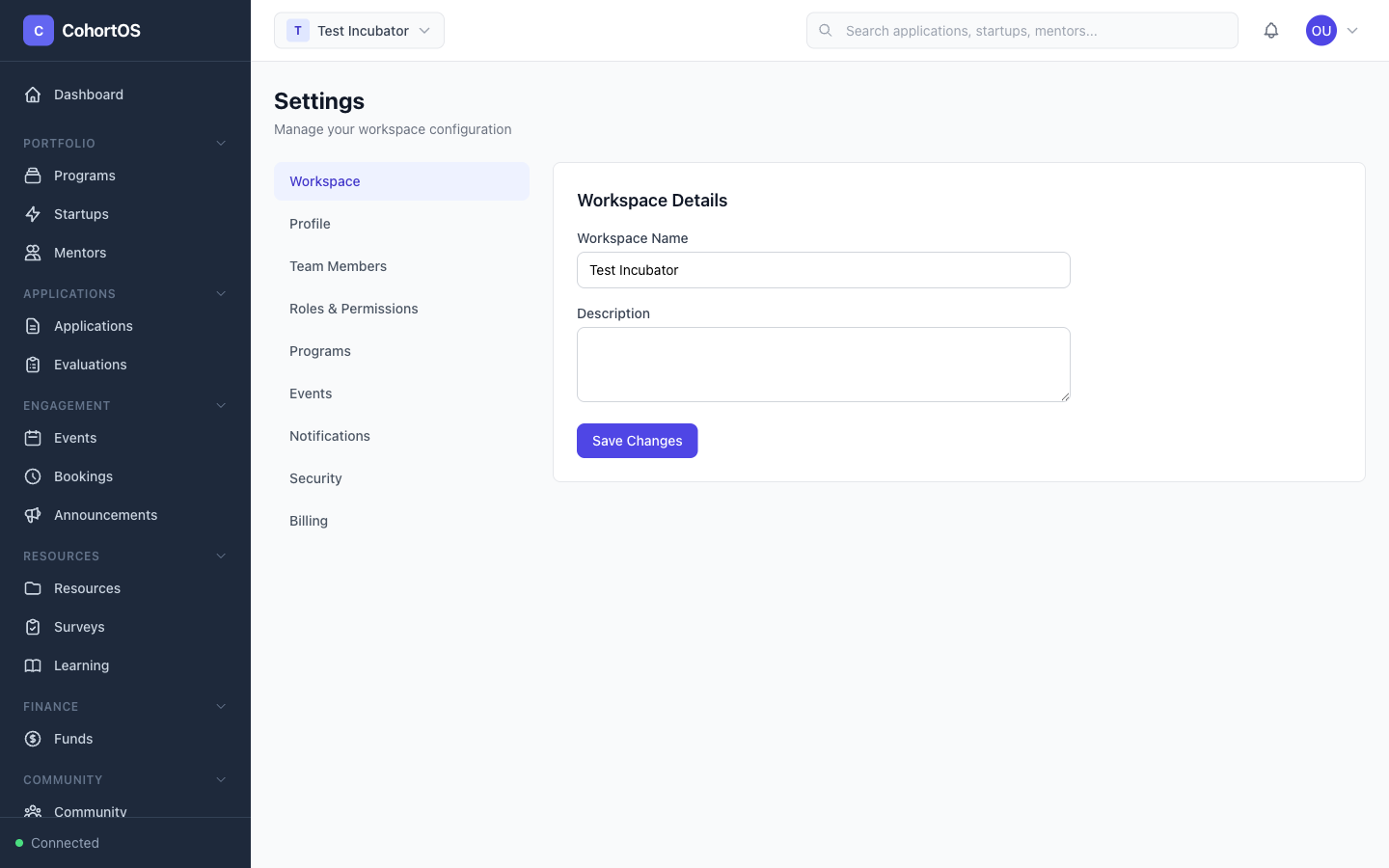
General Settings
- Organization name — Your incubator or accelerator's name
- Logo — Your organization's branding
- Contact information — Email, phone, website
Team Members
Invite colleagues to help manage your accelerator:
- Go to the Members tab in Settings
- Click "Invite Member"
- Enter their email and select a role
Roles & Permissions
Cohortly has a comprehensive role-based access control (RBAC) system. Built-in roles include:
- Owner — Full access to everything
- Administrator — Full access except billing and ownership transfer
- Program Manager — Manage programs, cohorts, startups, and applications
- Reviewer — Review and evaluate applications
- Mentor — Access mentor-specific features
- Viewer — Read-only access to most sections
You can also create custom roles with granular permissions — choose exactly which sections and actions each role can access.
Your Profile
Click Account → My Profile to update your personal information.
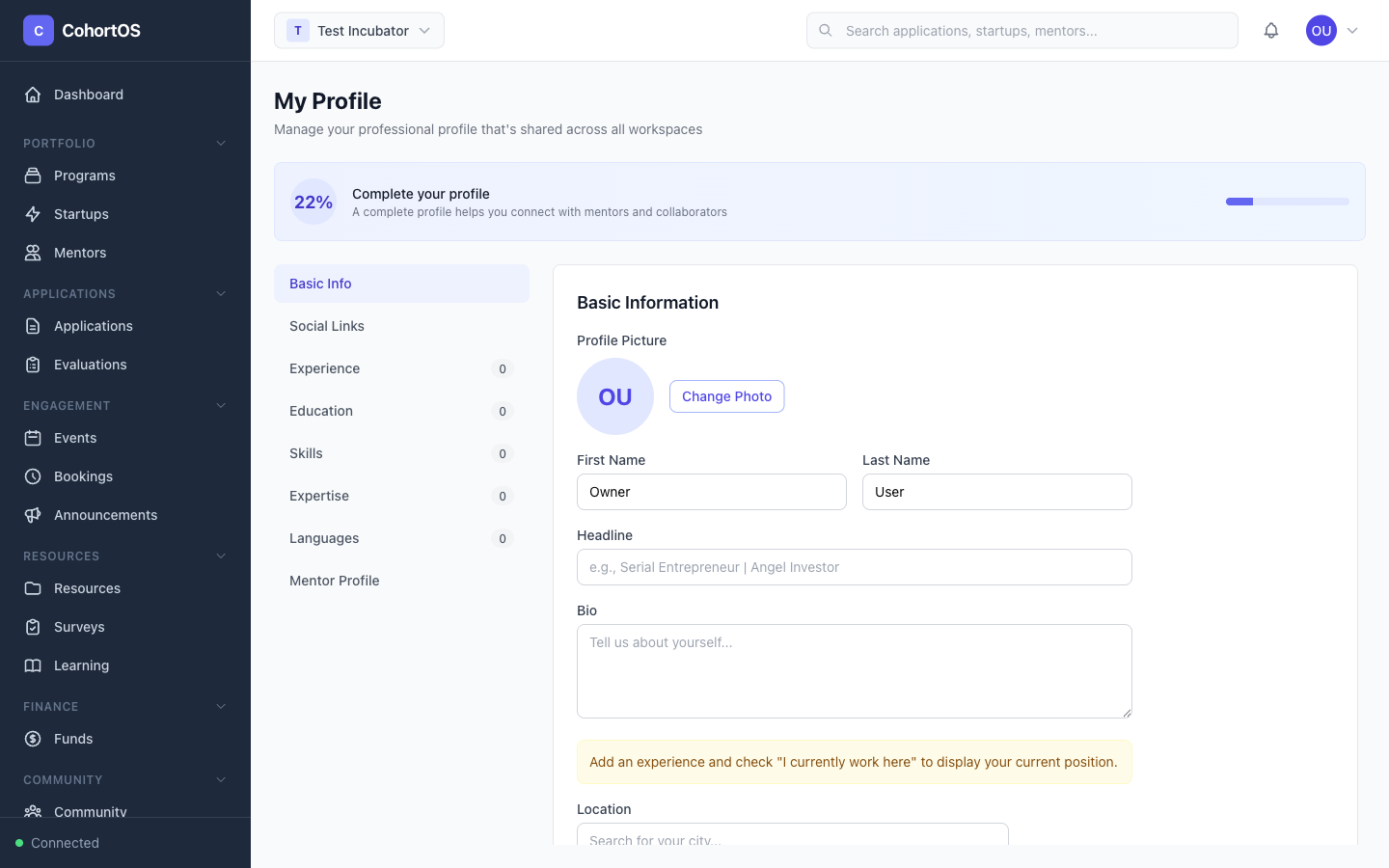
From your profile, you can:
- Update your name, email, and profile picture
- Change your password
- Enable two-factor authentication (2FA) for extra security
- View your role and permissions