
The Public Forms Portal — How Applicants Submit
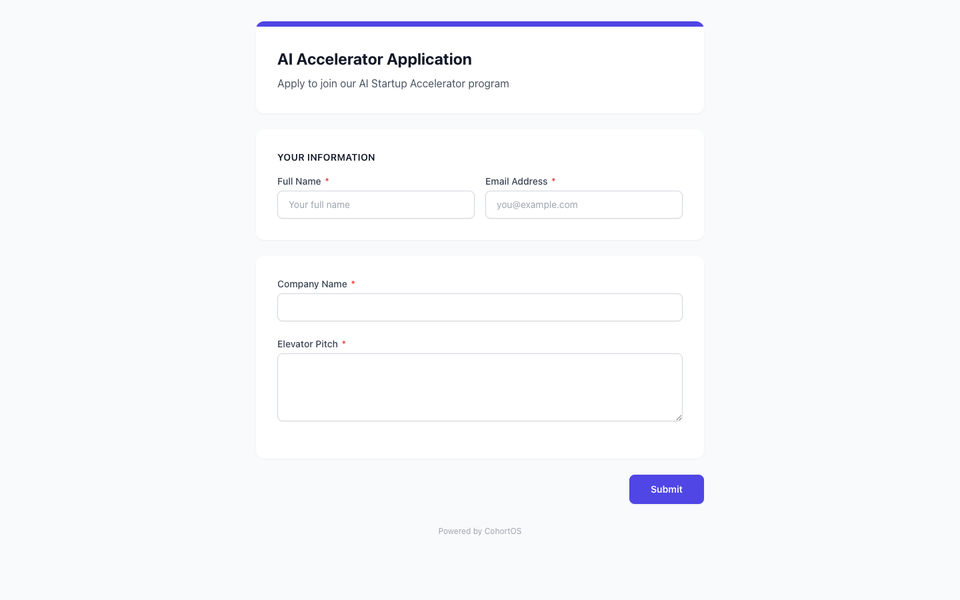
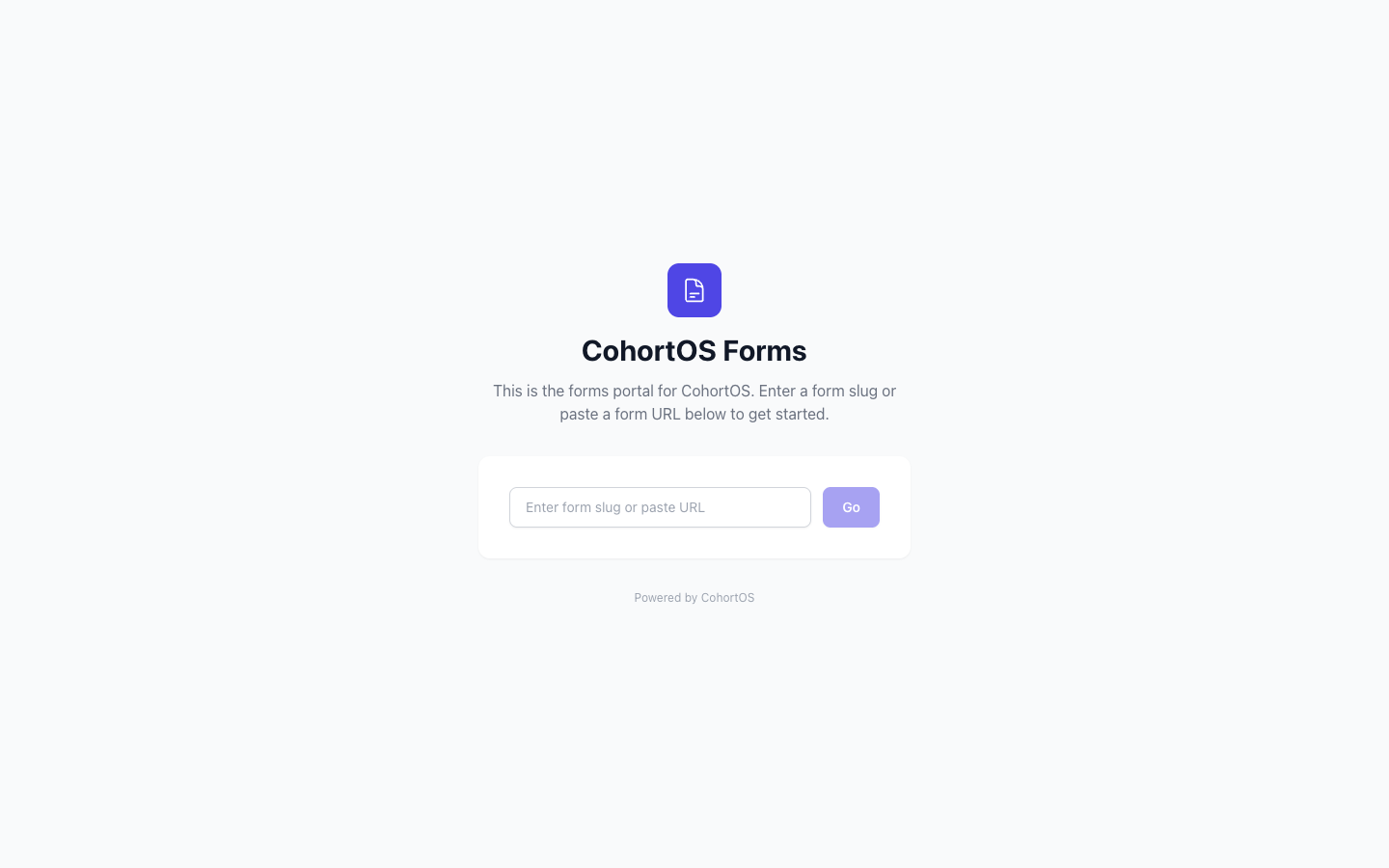
When you make an application form Public and Active, applicants can access it through the public forms portal — a clean, standalone website where they fill out and submit their applications.
What Applicants See
The forms portal is a separate website (e.g., forms.cohortos.io) with a simple, focused design.
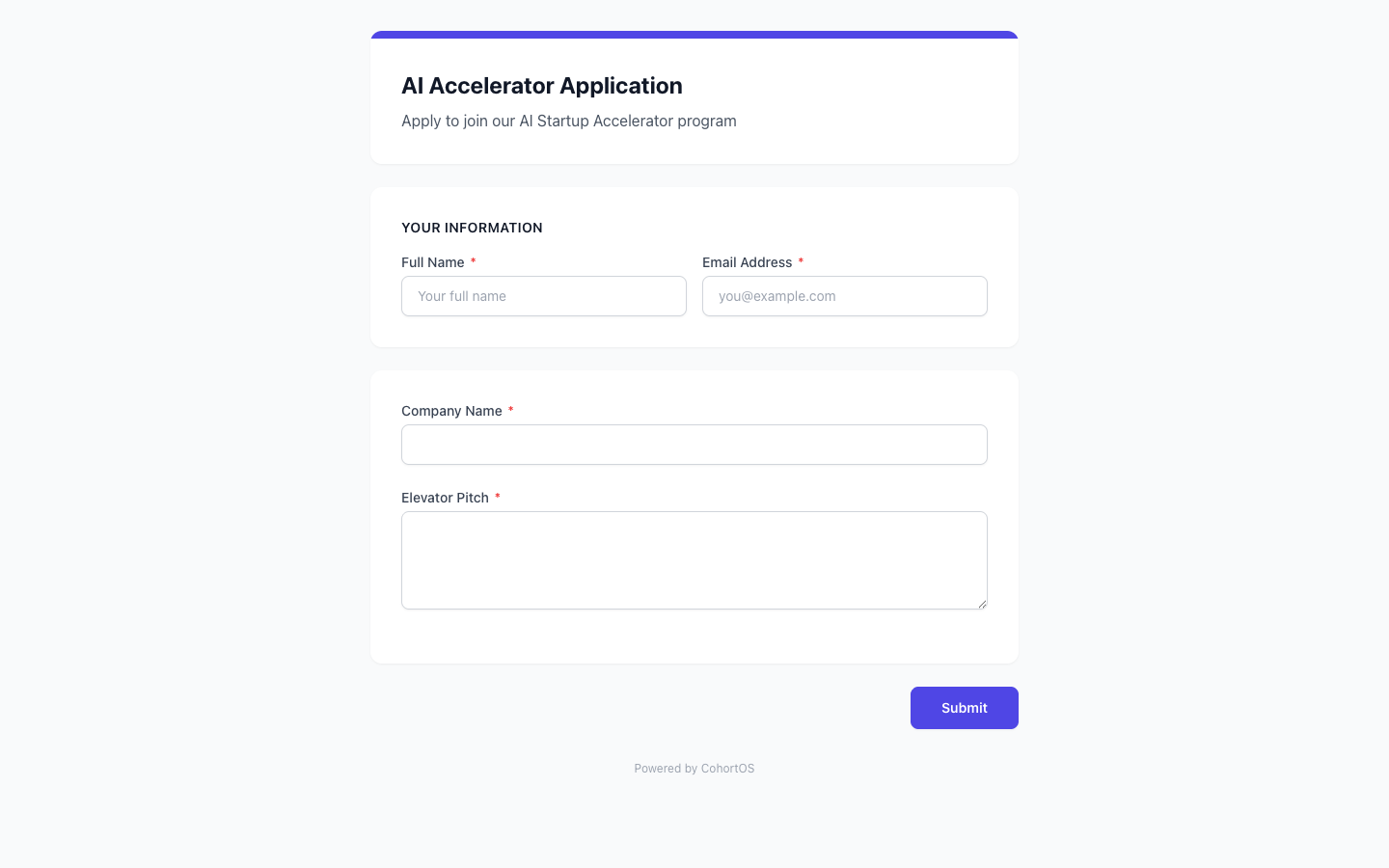
When an applicant opens a form link, they see the application with all your custom fields:
How to Share Your Form
- Go to Applications → Manage Forms
- Make sure your form is set to Active and Public
- Copy the shareable link shown on the form card
- Share it via email, your website, social media, or anywhere else
The Applicant Experience
- Applicant opens the form link
- They create a quick account (or log in if they have one)
- They fill out the form fields
- They submit — and see a confirmation message
- The submission appears in your Applications inbox for review
Applicants can also view public events on the portal and register for them.