
Managing Bookings & Mentor Sessions
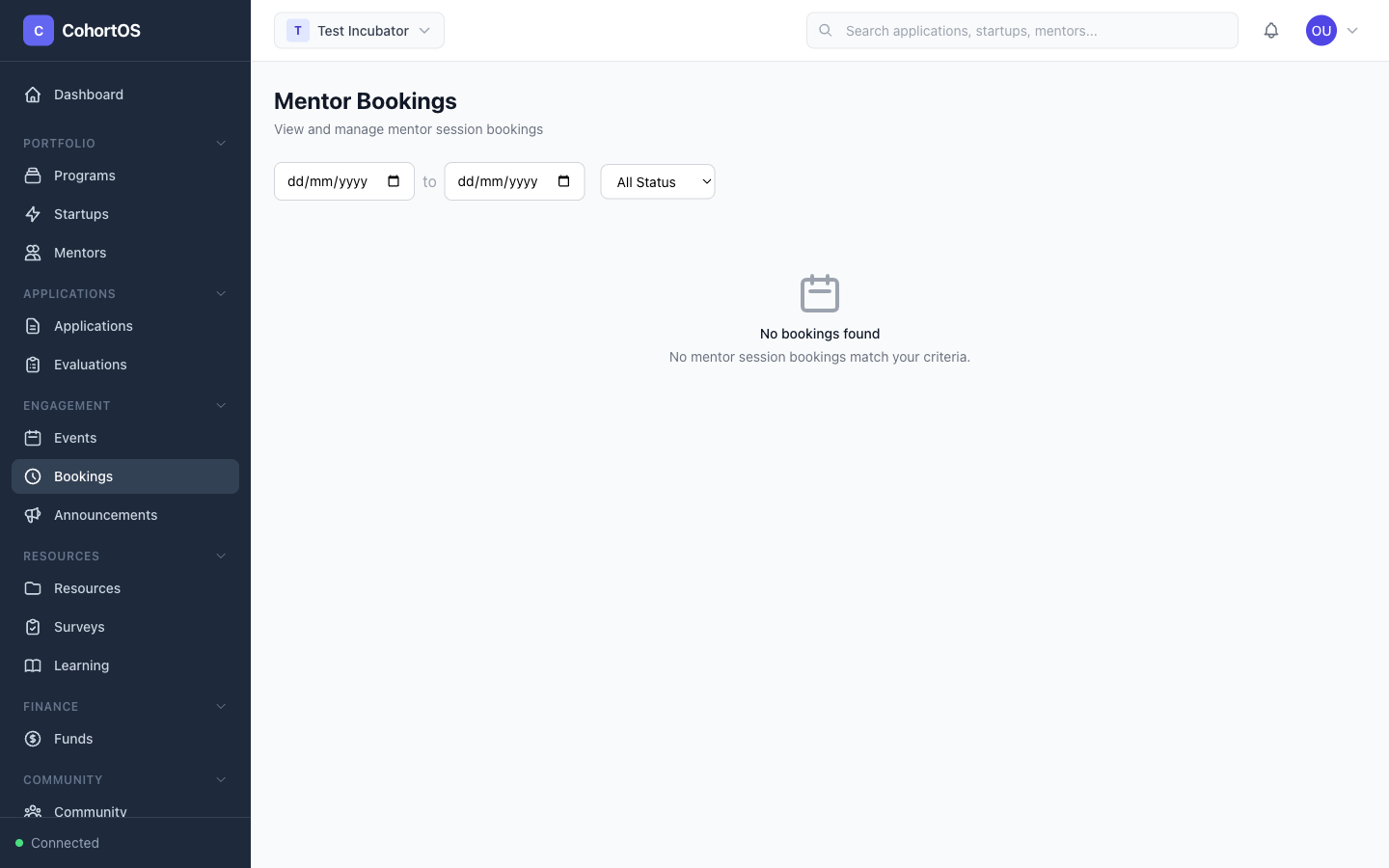
The Bookings section gives administrators a bird's-eye view of all mentor sessions happening across the workspace.
Bookings Overview
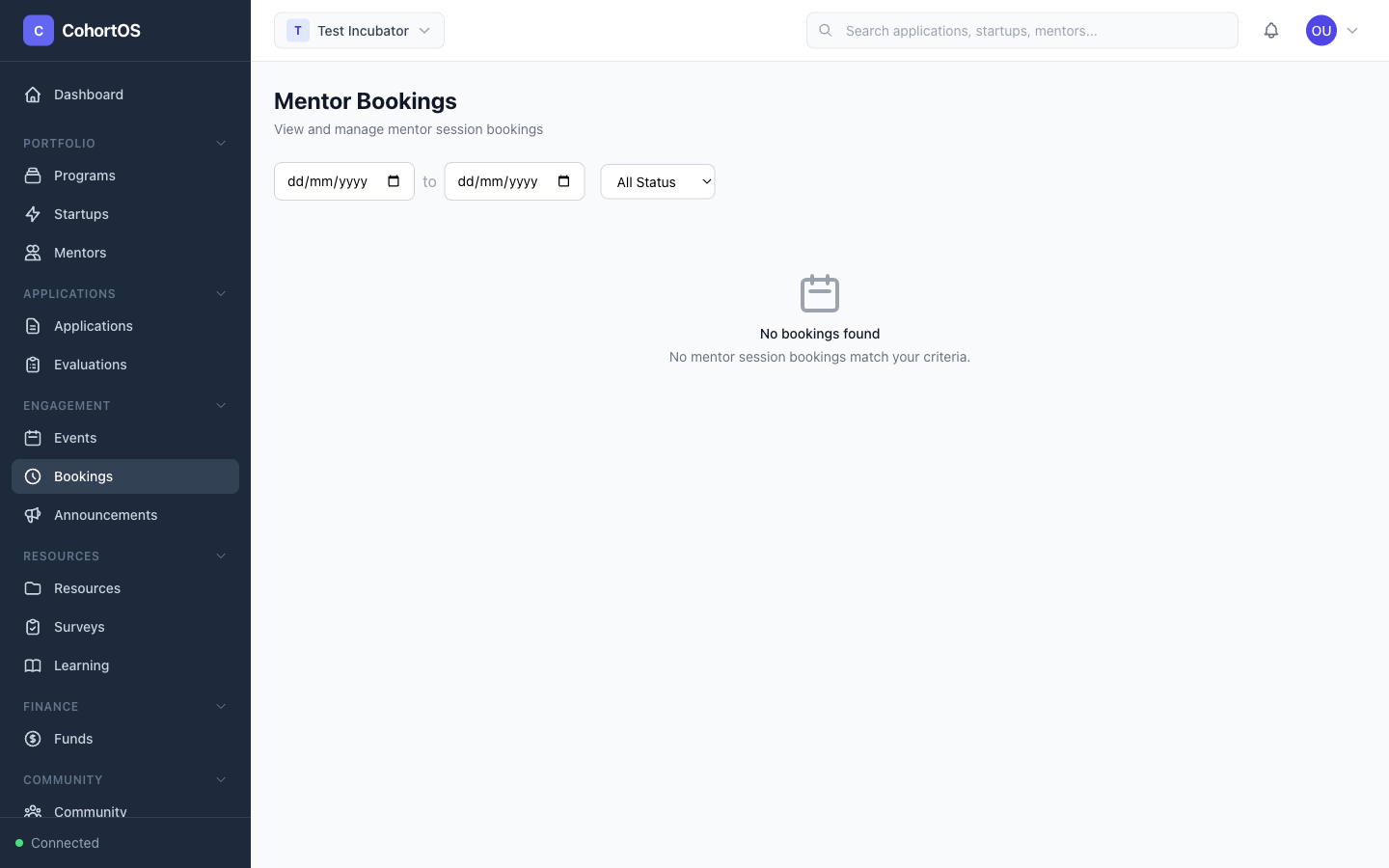
Navigate to Engagement → Bookings to see all sessions.
What You Can See
- Upcoming sessions — Sessions scheduled for the future
- Past sessions — Completed meetings with feedback
- Session details — Mentor, startup, date, time, duration, and meeting type
- Status — Confirmed, pending, cancelled, or completed
How Bookings Work
- Mentors set availability — In the Mentor Portal, mentors define their available time slots
- Startups browse mentors — From the Startup Portal, startups find mentors and view their availability
- Book a session — Startups select a time slot and book a meeting
- Confirmation — Both parties receive notification of the booking
- Session happens — The meeting takes place (in-person or via video link)
- Feedback — Mentors can leave feedback after each session
Meeting Types
Mentors can create different meeting types:
- Office Hours — Open drop-in sessions (e.g., 30 min)
- 1:1 Mentoring — Dedicated one-on-one sessions (e.g., 60 min)
- Group Sessions — Multiple startups at once
- Custom types — Any format the mentor prefers