
Managing Your Startup Portfolio
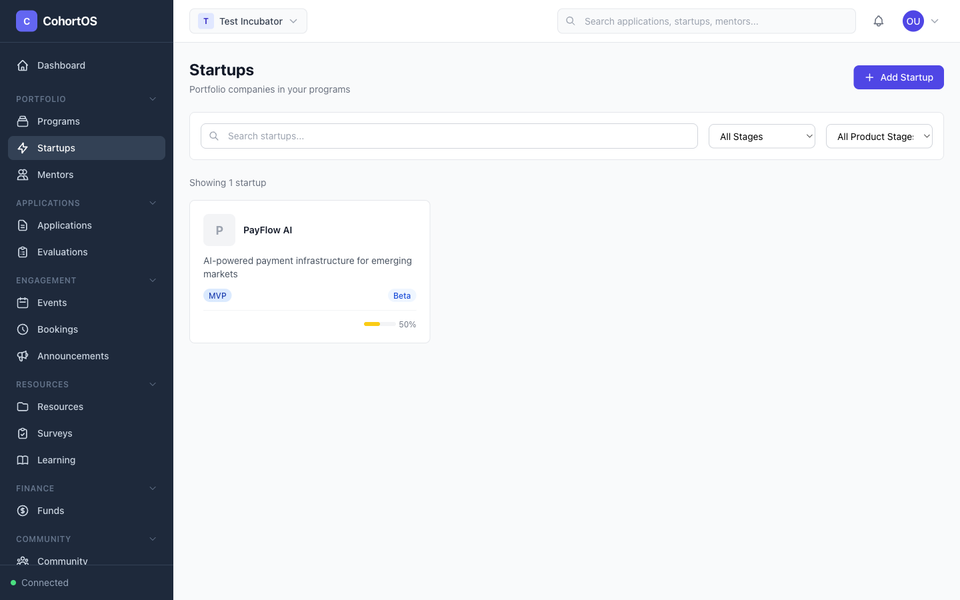
The Startups section is where you manage all the companies in your portfolio — whether they've been accepted through an application or added manually.
Startup List
Navigate to Portfolio → Startups to see your full portfolio.
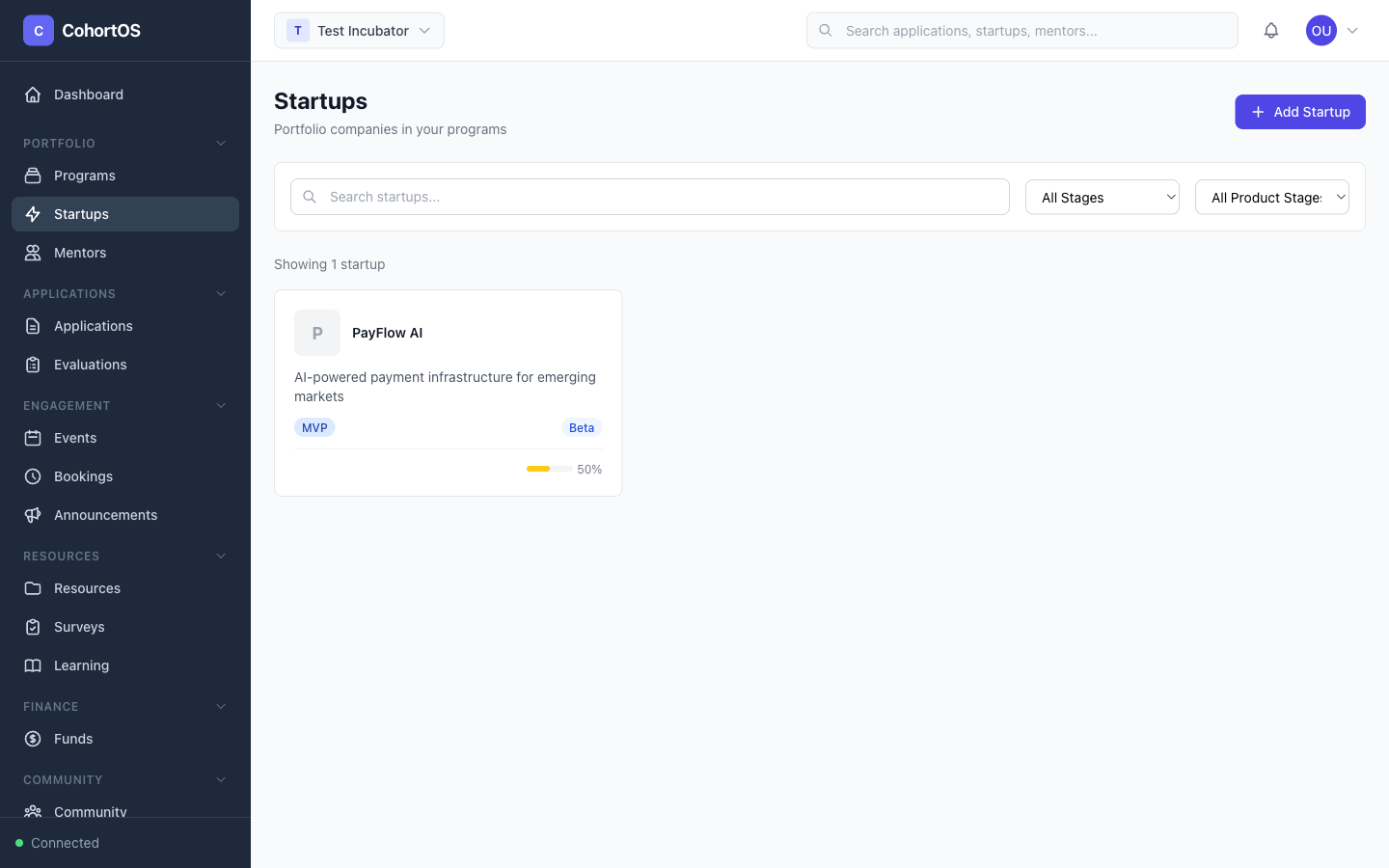
You can search and filter startups, and quickly see each company's stage, industry, and key details.
Adding a Startup
Click "+ Add Startup" to manually add a company. Fill in the company profile including:
- Company name and description
- Stage — Pre-seed, Seed, Series A, etc.
- Industry and sector
- Website and social links
- Logo
Startup Detail View
Click on any startup to see its full profile.
From the detail view you can:
- View and edit company information
- Manage team members — Add founders and team with their roles
- Track funding rounds — Record pre-seed, seed, and later rounds with amounts and investors
- Set milestones — Define and track key milestones for the startup
- Track OKRs — Set objectives and key results