
Creating Your First Program
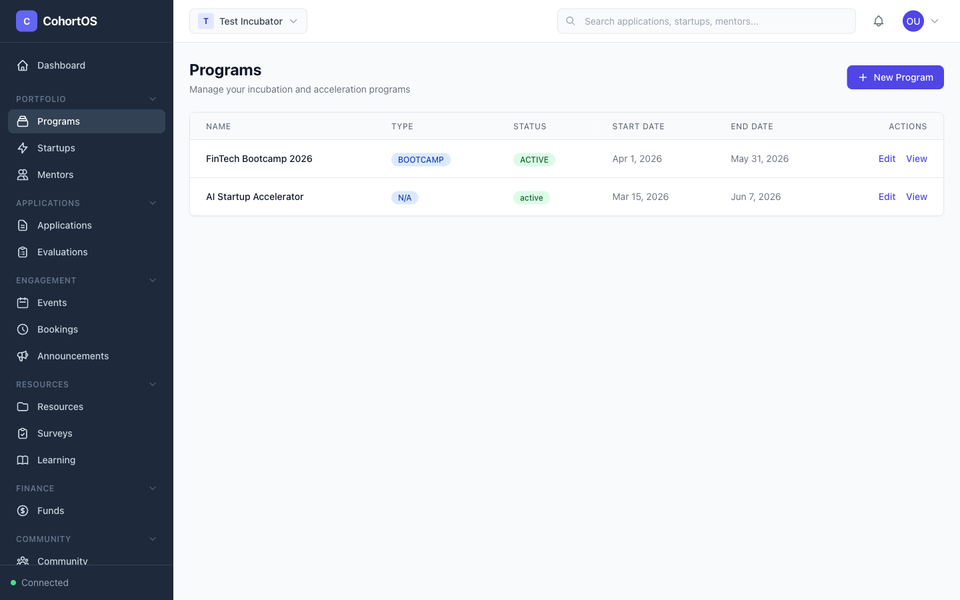
Programs are the backbone of your accelerator. Each program can have multiple cohorts (batches), and each cohort contains the startups going through that batch.
Viewing Your Programs
Navigate to Portfolio → Programs in the sidebar to see all your programs.
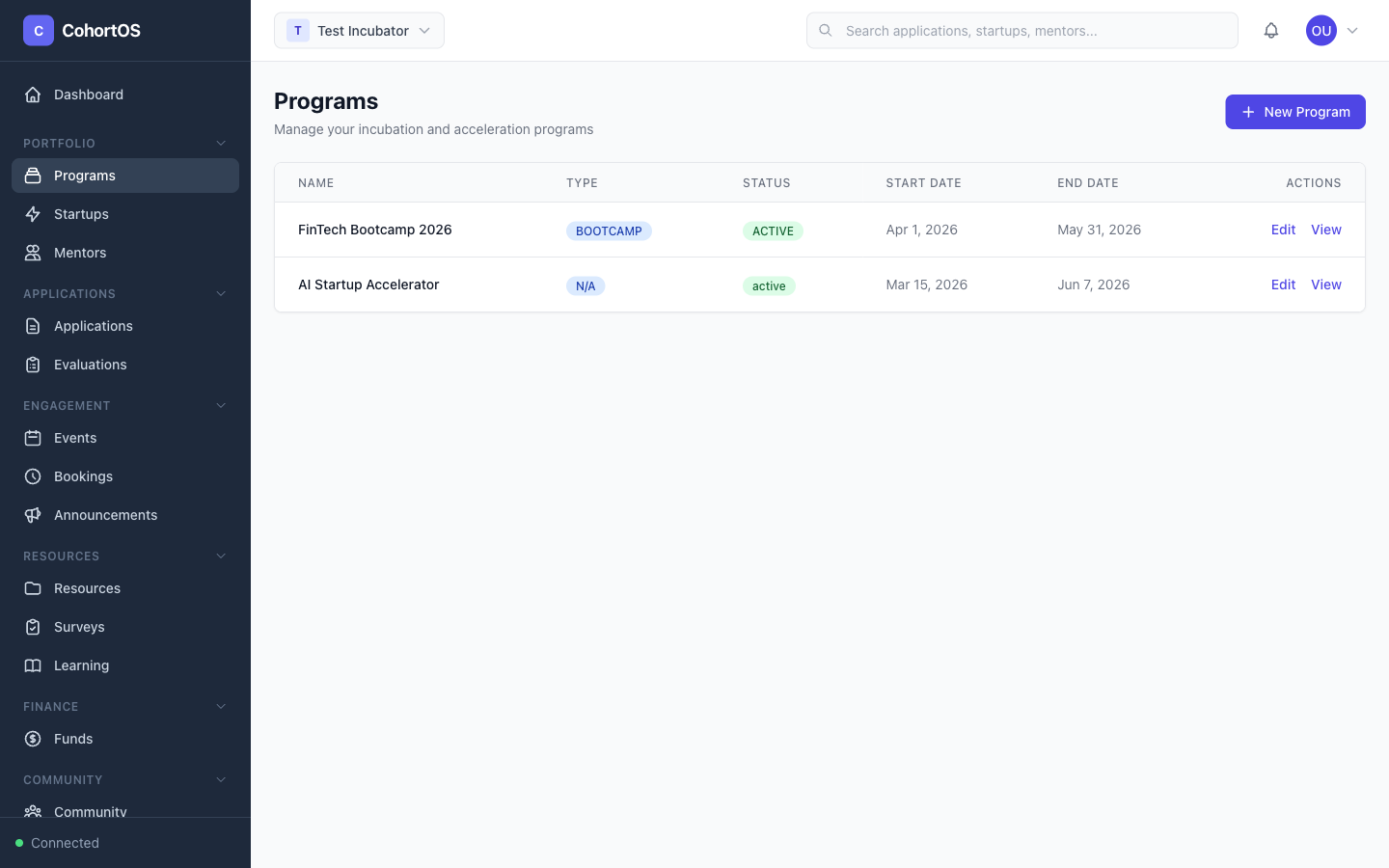
The programs table shows you:
- Name — The program name
- Type — Accelerator, Bootcamp, Incubator, etc.
- Status — Whether the program is active, planned, or completed
- Start/End dates — The program timeline
- Actions — Edit or view program details
Creating a New Program
Click the "+ New Program" button in the top right corner. Fill in:
- Program Name — e.g., "AI Startup Accelerator 2026"
- Program Type — Choose from Accelerator, Bootcamp, Incubator, etc.
- Description — What the program is about
- Start and End Dates — When the program runs
- Status — Set to "Active" when ready to launch
Managing Cohorts
Click on any program to see its details, including its cohorts.
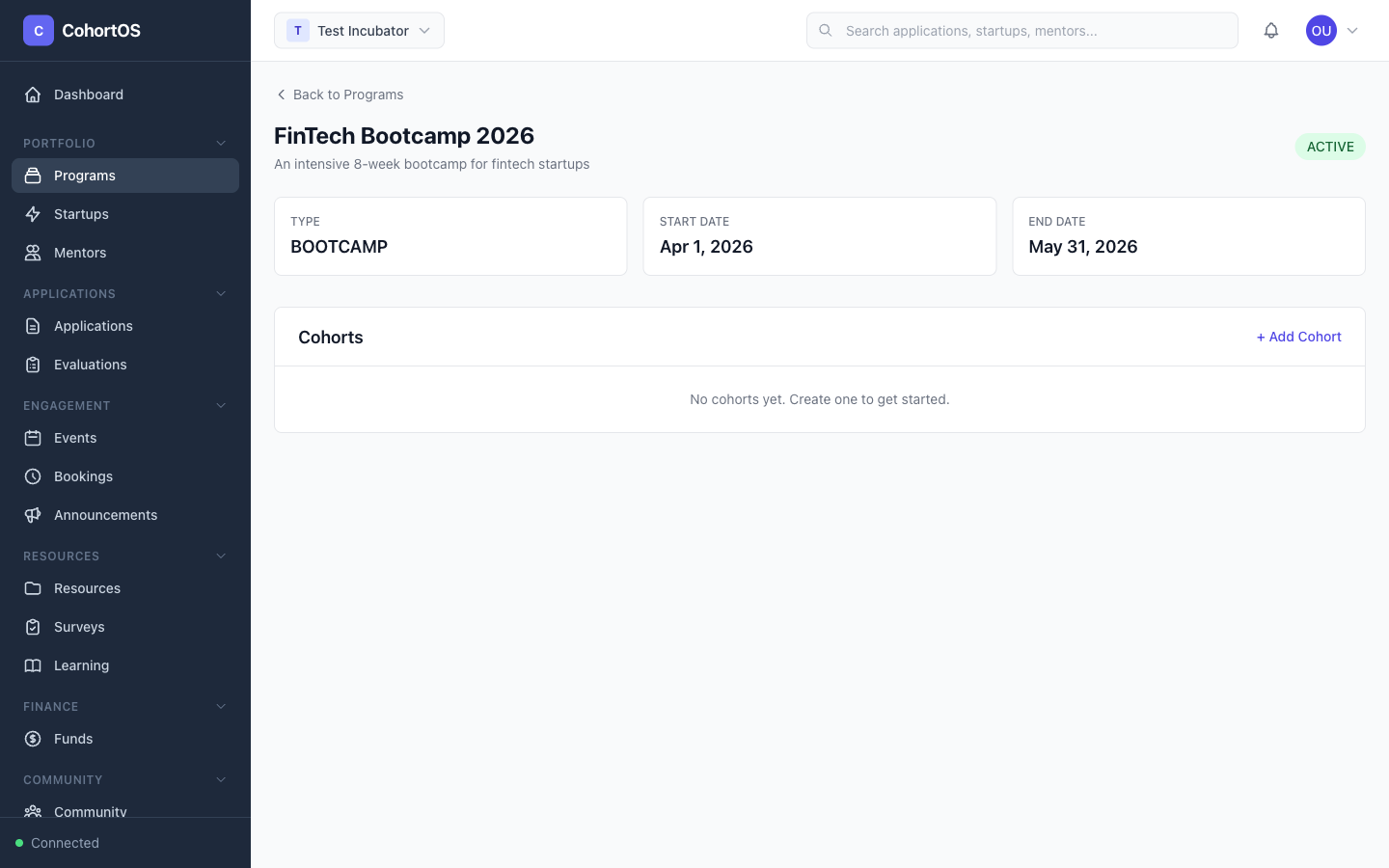
Within a program, you can:
- Create cohorts — Add new batches (e.g., "Batch 2026-Q1")
- Assign startups — Add startups to a specific cohort
- Track progress — Monitor milestones across the cohort
- Assign mentors — Connect mentors to specific cohorts
Tips
- You can link application forms to specific programs so that accepted applicants are automatically associated with the right program
- Each cohort can have its own start and end dates, even within the same program