
Creating Surveys & Feedback Forms
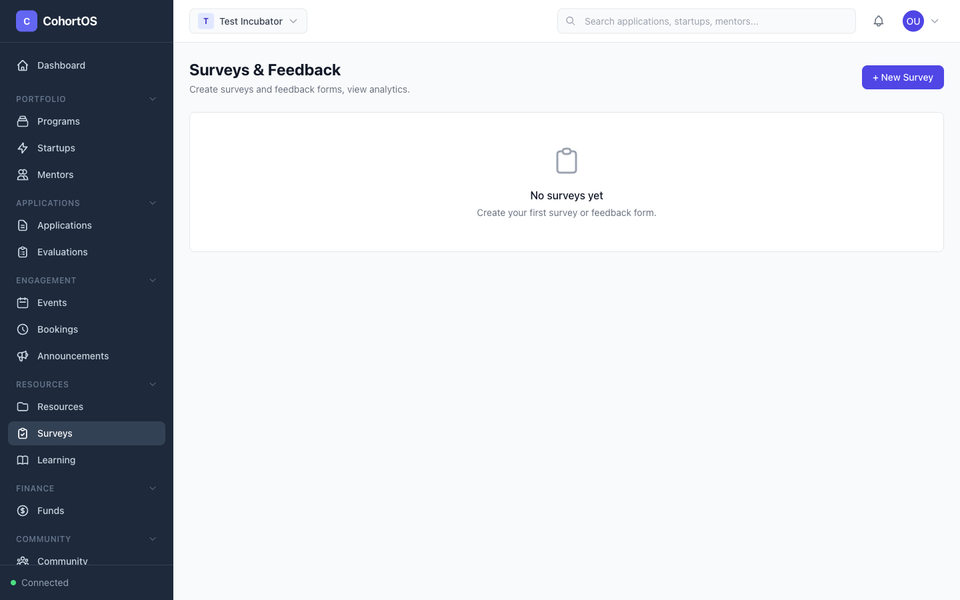
Surveys let you collect structured feedback from your program participants — whether it's a post-event survey, mentor feedback, or a program satisfaction check.
Surveys Overview
Navigate to Resources → Surveys to manage your surveys.
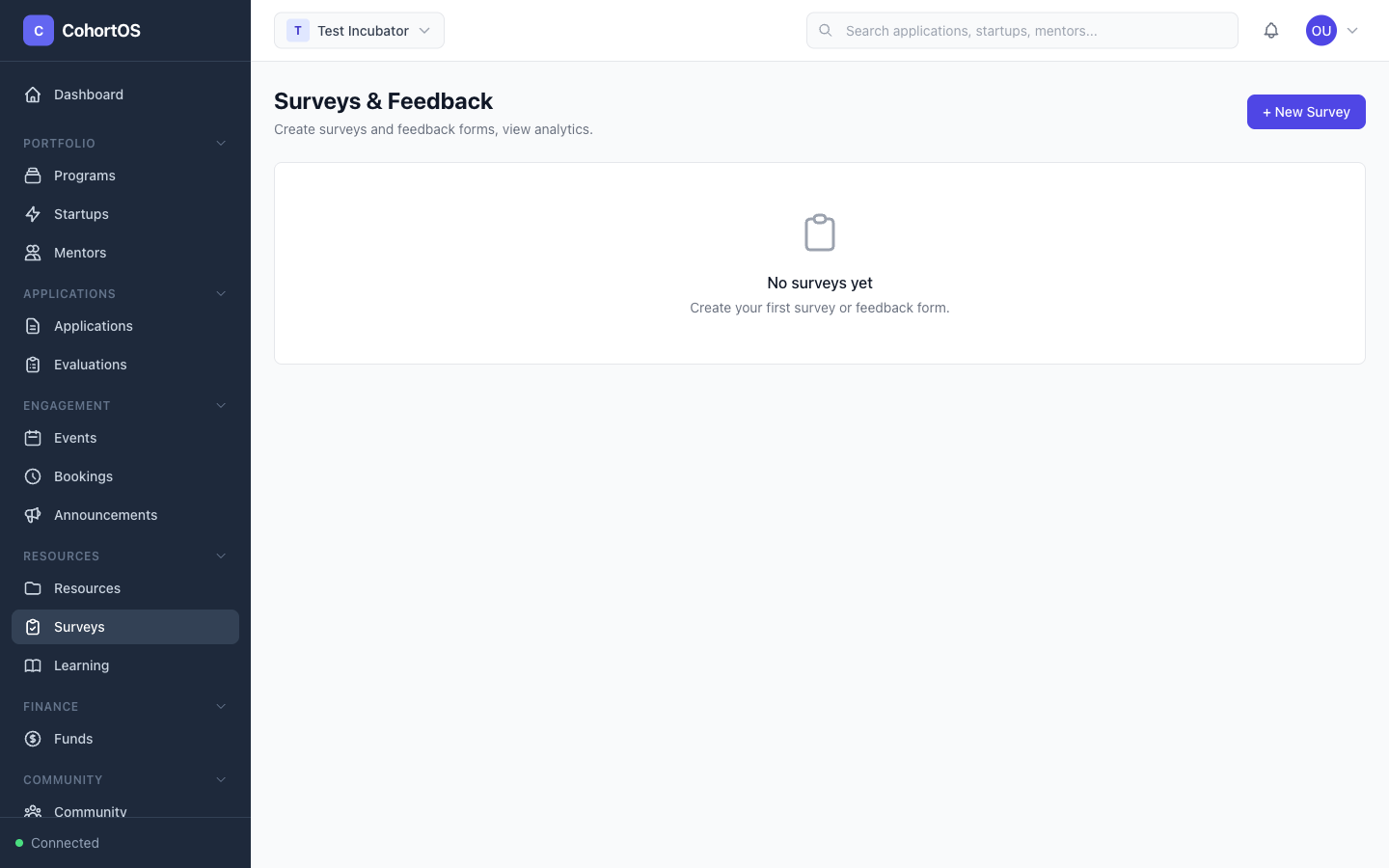
Creating a Survey
Surveys use the same powerful form builder as application forms. You can:
- Add multiple field types (text, rating, multiple choice, etc.)
- Set fields as required or optional
- Add descriptions and instructions
- Share via a public link or send to specific groups
Use Cases
- Post-event feedback — "How was the workshop? What could we improve?"
- Mentor session feedback — Rate the mentoring experience
- Mid-program check-in — Are startups getting what they need?
- End-of-program survey — Overall satisfaction and NPS