
Inviting and Managing Mentors
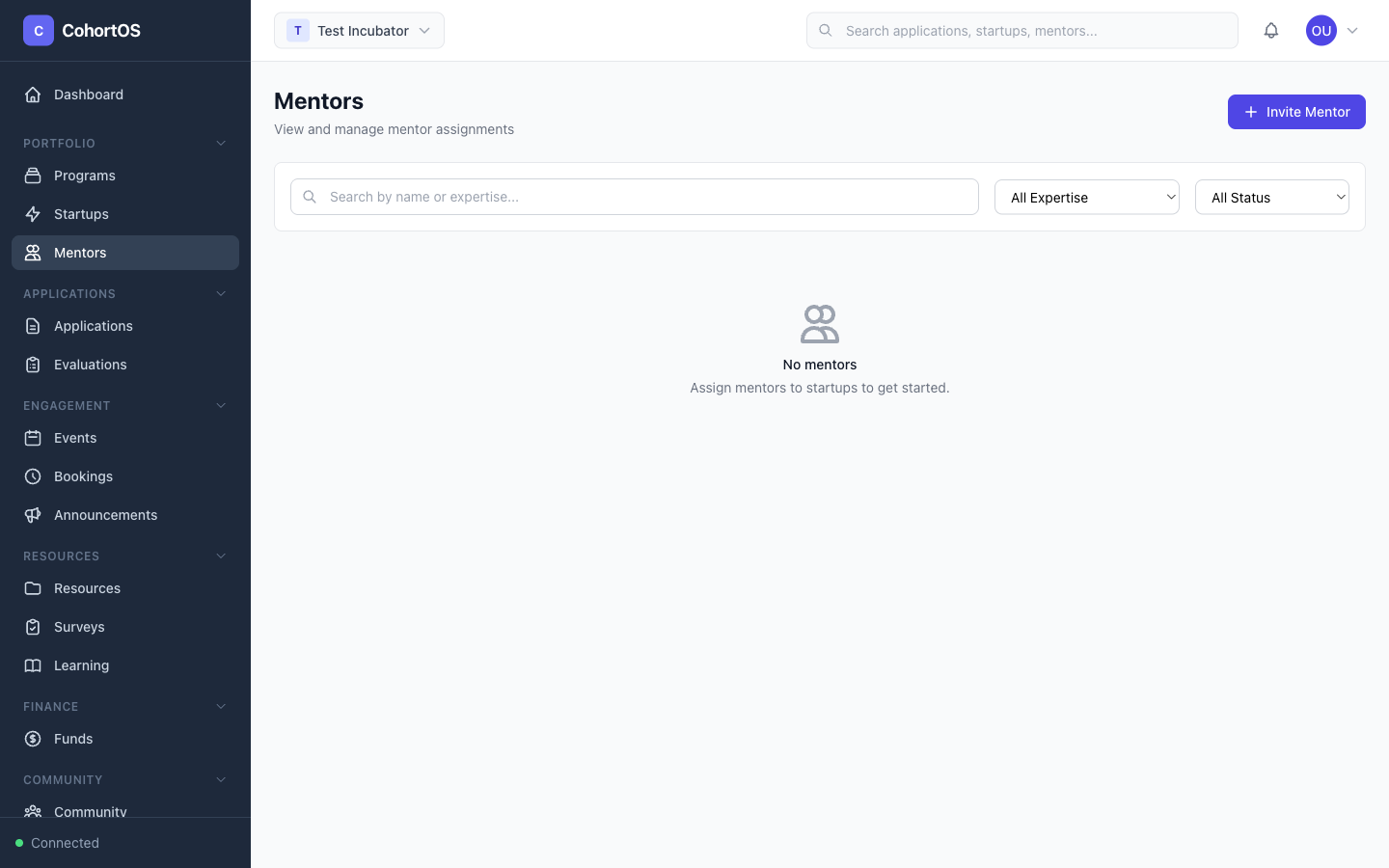
Mentors play a critical role in any accelerator. Cohortly lets you invite mentors, manage their profiles, assign them to cohorts, and facilitate session bookings.
Mentors List
Navigate to Portfolio → Mentors to see all mentors in your workspace.
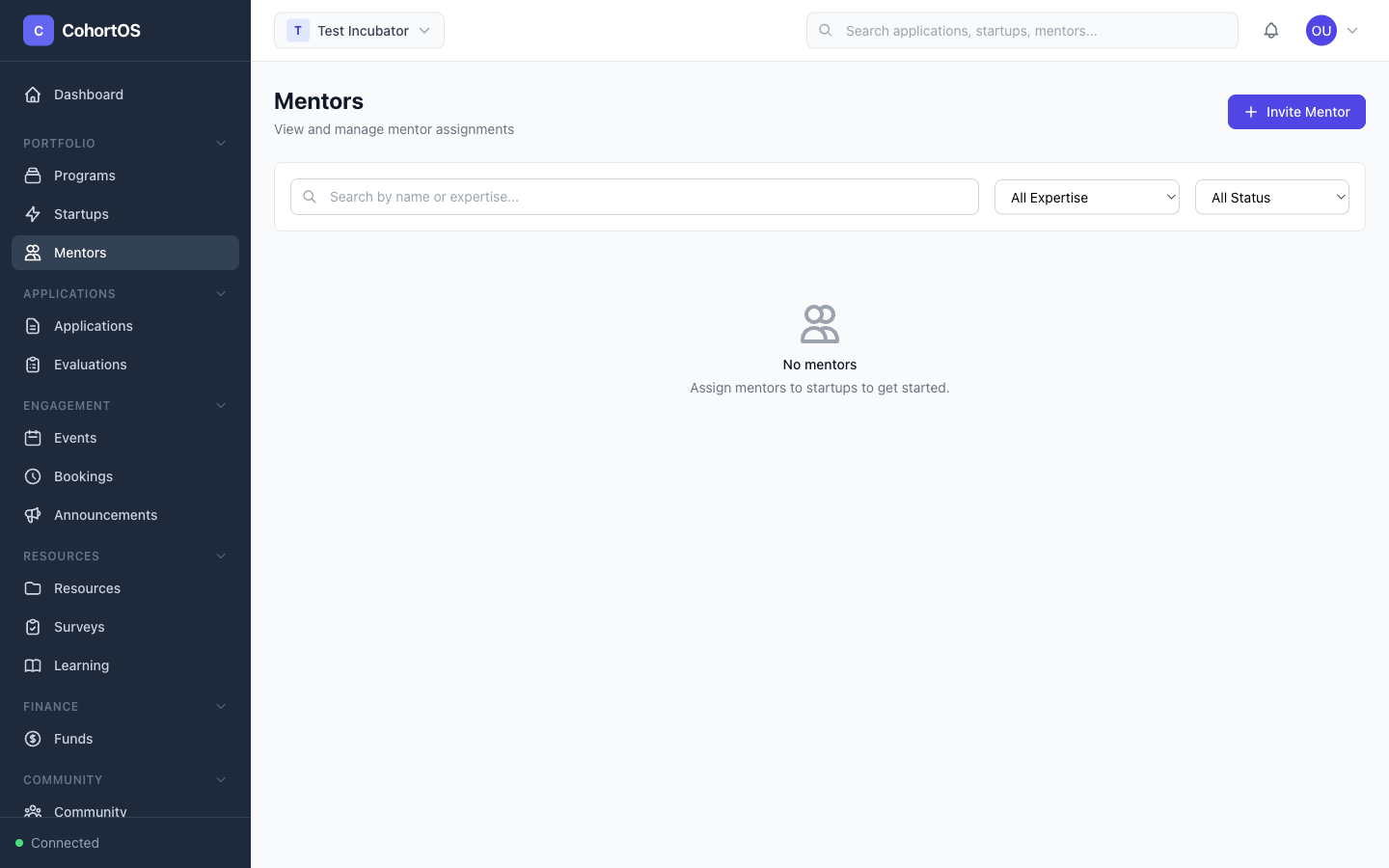
Inviting a Mentor
Click "+ Invite Mentor" to add a new mentor. You'll need:
- Email address — They'll receive an invitation to join
- Name — First and last name
- Expertise areas — Their specialties (e.g., "AI/ML", "Fundraising", "Product")
When a mentor accepts the invitation, they get access to the Mentor Portal — a separate app where they can:
- View their assigned startups and cohorts
- Set their availability for booking sessions
- View upcoming and past sessions
- Provide feedback on startups
Assigning Mentors to Cohorts
From the mentor's profile or from the cohort detail page, you can assign mentors to specific cohorts. This helps startups in that cohort find and book sessions with relevant mentors.
Booking Sessions
Navigate to Engagement → Bookings to see all mentor booking sessions.
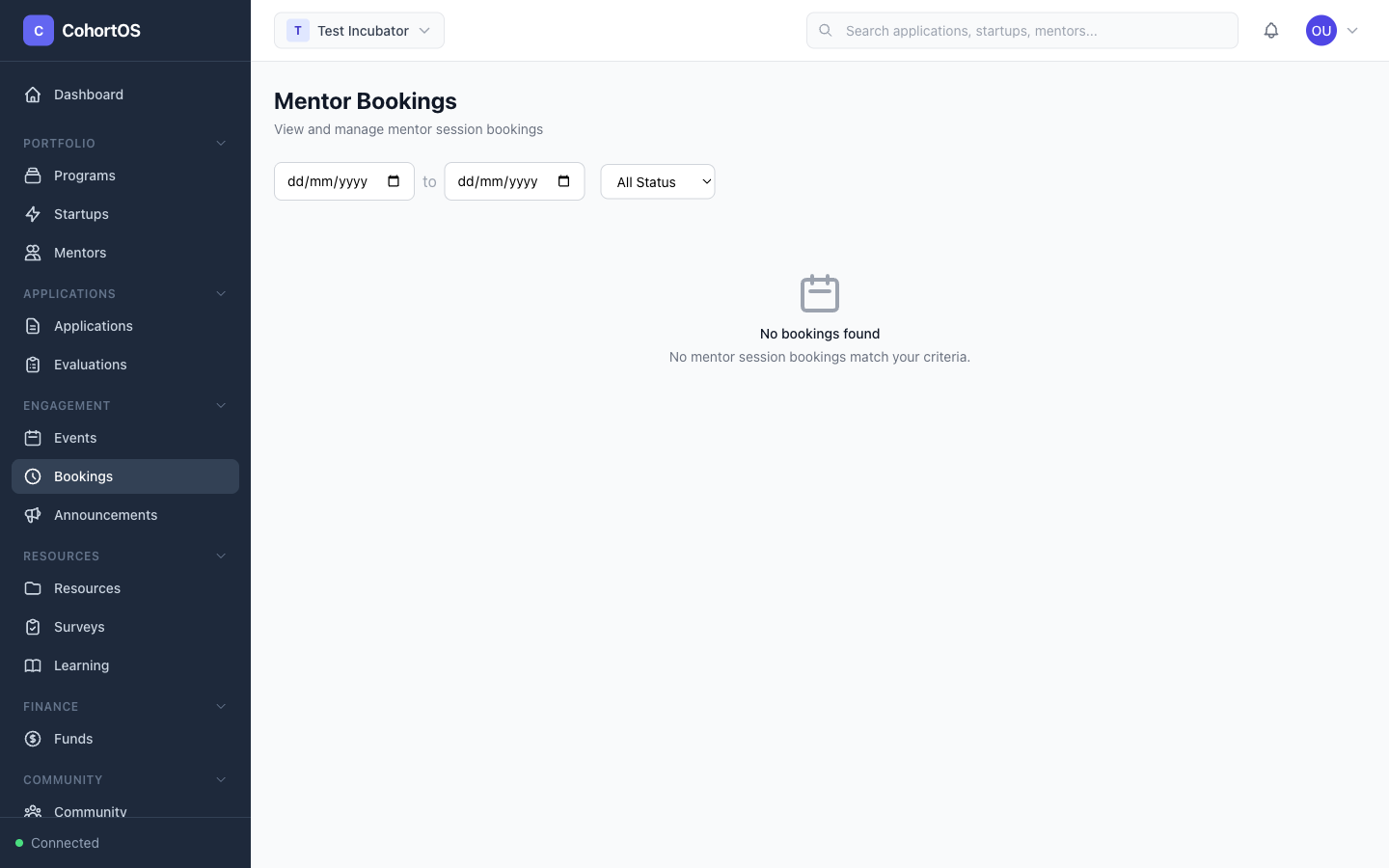
Startups can book sessions with mentors based on their available time slots. As an admin, you can view and manage all bookings across your workspace.
The Mentor Portal
Mentors access their own dedicated portal where they can:
- Set weekly availability — Define which days and times they're available for sessions
- Manage time zones — All availability is timezone-aware
- Block specific dates — Add date overrides for holidays or busy days
- View their schedule — See upcoming sessions and past meetings